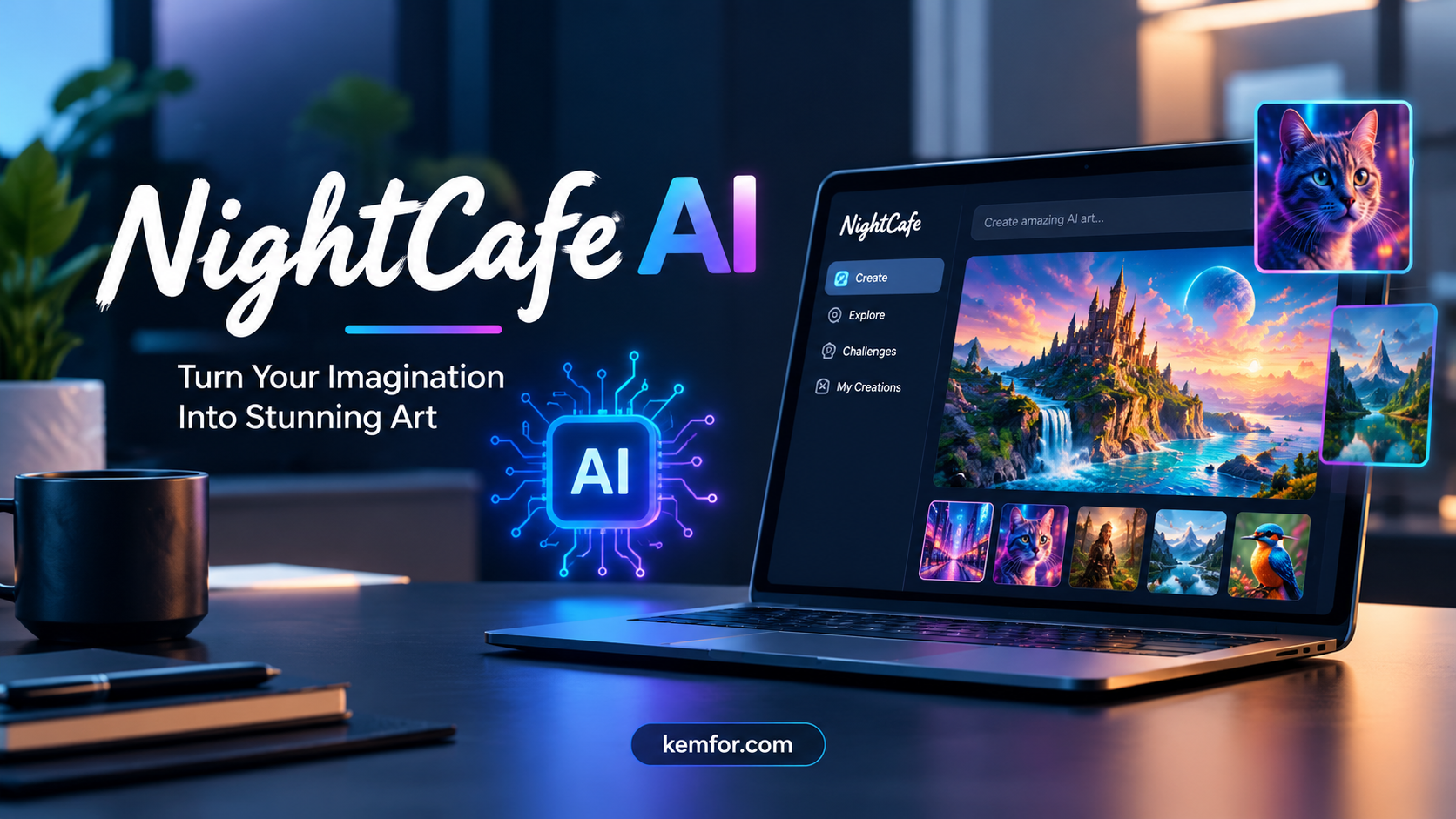
If you’ve spent any time exploring AI art tools, you’ve probably come across NightCafe. It’s one of the older names in this space, and unlike a lot of newer AI image generators that launched during the recent AI boom, NightCafe has been around since 2019. That kind of longevity says something — but it also raises a fair question: does it still hold up against newer competitors like Midjourney, Leonardo AI, or Adobe Firefly?
In this article, we’ll break down what NightCafe actually is, how it works, what it costs, and who it’s genuinely useful for. No fluff, just a straightforward look at the platform.
What Is NightCafe AI?
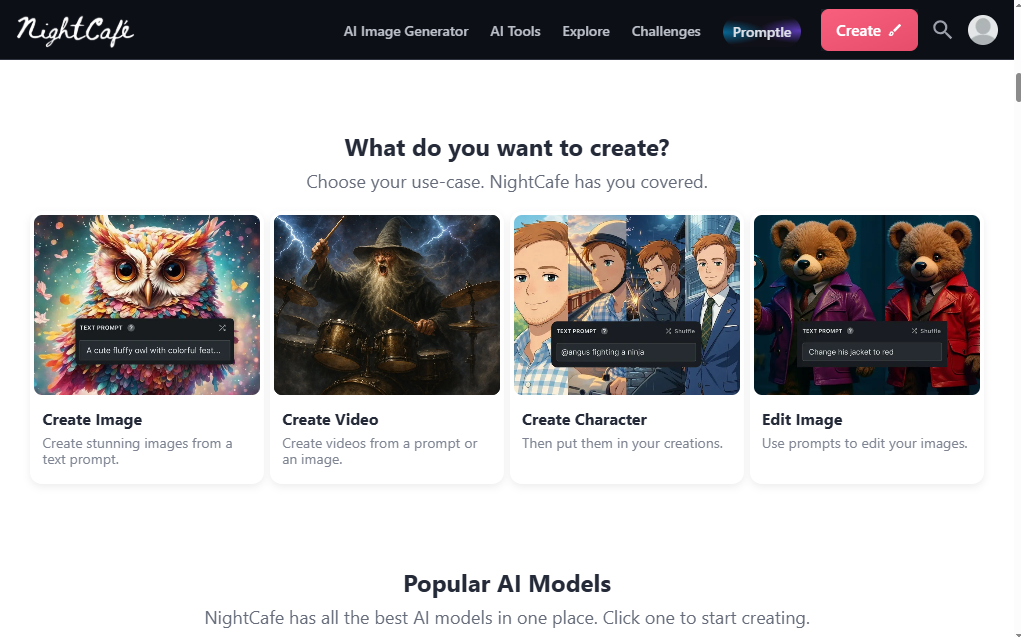
NightCafe is an AI art generator that brings together multiple image generation models under one roof. Instead of building its own single model from scratch, NightCafe gives users access to a wide range of popular AI models — including Flux, Stable Diffusion, DALL-E 3, and others — all through one interface.
This “multi-model” approach is one of NightCafe’s biggest selling points. Rather than committing to one tool with one visual style, you can experiment across several models and see which one produces the results you’re after for a given project.
Beyond image generation, NightCafe has built a strong community layer. Daily challenges, public galleries, voting, and social sharing are baked into the platform, which makes it feel less like a standalone tool and more like a creative hub.
Key Features of NightCafe
NightCafe isn’t just a text-to-image box. It comes packed with features that appeal to both casual hobbyists and more serious creators.
Multiple AI Models in One Place
You’re not locked into a single algorithm. NightCafe lets you switch between different AI models depending on the style or quality you want — photorealistic images, painterly art, anime-style illustrations, and more are all possible without leaving the platform.
Text-to-Image and Image-to-Image Generation
Like most modern AI art tools, NightCafe supports:
- Text-to-image: Type a description (called a “prompt”) and the AI generates an image based on it.
- Image-to-image: Upload a reference photo and let the AI reimagine it in a new style.
- Style transfer: Apply the visual style of one image onto another, a feature NightCafe has offered since its early days.
Community Challenges and Galleries
This is where NightCafe stands apart from most competitors. Every day, the platform runs themed challenges where users submit AI-generated art and vote on their favorites. It’s a fun way to stay motivated, get feedback, and discover prompt ideas from other creators.
Credit-Based Free Tier
NightCafe uses a credit system rather than a flat “free vs. paid” wall. Free users get a small batch of credits daily just for logging in, plus extra credits for taking part in challenges. This means you can genuinely create art without paying anything — you just won’t get unlimited access to every premium model.
Upscaling and Animation Tools
Once you’ve generated an image you like, NightCafe offers tools to upscale it to a higher resolution and even animate it into a short video clip. These add-ons are handy if you want to push a static image further without switching to a separate app.
Fine-Tuning and Custom Models
More advanced users can fine-tune models on their own images or use community-trained fine-tuned models, which is useful for creating consistent characters, styles, or branded visuals.
How Does NightCafe Compare to Other AI Art Generators?
It helps to see where NightCafe fits relative to other well-known tools.
- NightCafe vs. Midjourney: Midjourney is known for consistently polished, artistic output, but it requires a subscription from day one and runs primarily through Discord. NightCafe’s free credit system and browser-based interface make it more approachable for beginners who want to try before they commit.
- NightCafe vs. Leonardo AI: Leonardo also offers multiple models and a generous free tier, and tends to appeal more to game and character artists. NightCafe leans harder into its community and social features.
- NightCafe vs. DALL-E 3: DALL-E 3 (through ChatGPT or Bing) is easier for absolute beginners since prompting feels more conversational, but NightCafe gives you far more control over specific models, settings, and styles.
The bottom line: NightCafe’s real differentiator isn’t raw image quality — most modern AI models produce impressive results now — it’s the combination of model variety, a real community, and a workable free tier.
Who Is NightCafe Best For?
NightCafe tends to work best for certain types of users rather than being a one-size-fits-all solution.
Great fit for:
- Hobbyist artists who enjoy experimenting with different AI styles
- Beginners who want to learn prompt writing without a steep learning curve
- Creators who enjoy community feedback, challenges, and sharing their work
- People who want to try several AI models before choosing a favorite
Less ideal for:
- Professionals needing pixel-perfect commercial output at scale
- Teams that need advanced collaboration or enterprise-grade licensing
- Users who generate hundreds of images daily, since credits can run out quickly on lower-tier plans
NightCafe Pricing: What to Expect
NightCafe operates on a freemium, credit-based model. The free plan gives you daily credits just for logging in, along with bonus credits for participating in community challenges, and unrestricted access to base-level Stable Diffusion generation.
Paid plans unlock access to premium models like Flux and DALL-E-style outputs, along with faster generation speeds, higher resolution output, and monthly credit allowances. Entry-level paid plans typically start under $10 per month, with higher tiers offering more credits and features for more frequent creators.
Because pricing and credit allowances are updated fairly often, it’s worth checking NightCafe’s official pricing page directly before subscribing, rather than relying on older reviews.
Pros and Cons of NightCafe
Pros:
- Genuinely usable free tier, not just a limited trial
- Access to multiple AI models instead of just one
- Active, engaged community with daily challenges
- Simple, browser-based interface with no downloads required
- Useful extras like upscaling and animation
Cons:
- Credits can deplete quickly if you generate images frequently
- Output quality varies depending on which underlying model you choose
- Higher-tier plans get expensive for heavy commercial use
- Community focus may feel unnecessary if you just want a fast, no-frills tool
Tips for Getting Better Results on NightCafe
If you’re new to AI art generation, a few small habits can make a big difference in the quality of what you create:
- Be specific in your prompts. Instead of “a forest,” try “a misty pine forest at sunrise, soft light, cinematic photography.”
- Experiment with different models for the same prompt. The same text can produce very different results depending on which AI model you use.
- Use negative prompts when available. Telling the AI what to avoid (blurry, distorted, extra limbs) can clean up results significantly.
- Start with base models before spending credits. Test your prompt idea on the free Stable Diffusion option before using paid credits on premium models.
- Join a challenge. It’s a low-pressure way to practice new styles and get feedback from other users.
Final Verdict: Is NightCafe Worth Trying?
NightCafe isn’t trying to be the single “best” AI art generator on the market — and that’s actually part of its appeal. By giving you access to multiple models, a genuine free tier, and a community built around daily creativity, it fills a slightly different role than tools like Midjourney or DALL-E.
If you’re a hobbyist, a beginner learning how AI art works, or someone who enjoys the social side of creating, NightCafe is well worth trying, especially since you can start for free. If your priority is high-volume professional output with tight creative control, you may find more specialized tools a better long-term fit.
Either way, the low barrier to entry makes NightCafe an easy one to test for yourself before deciding.