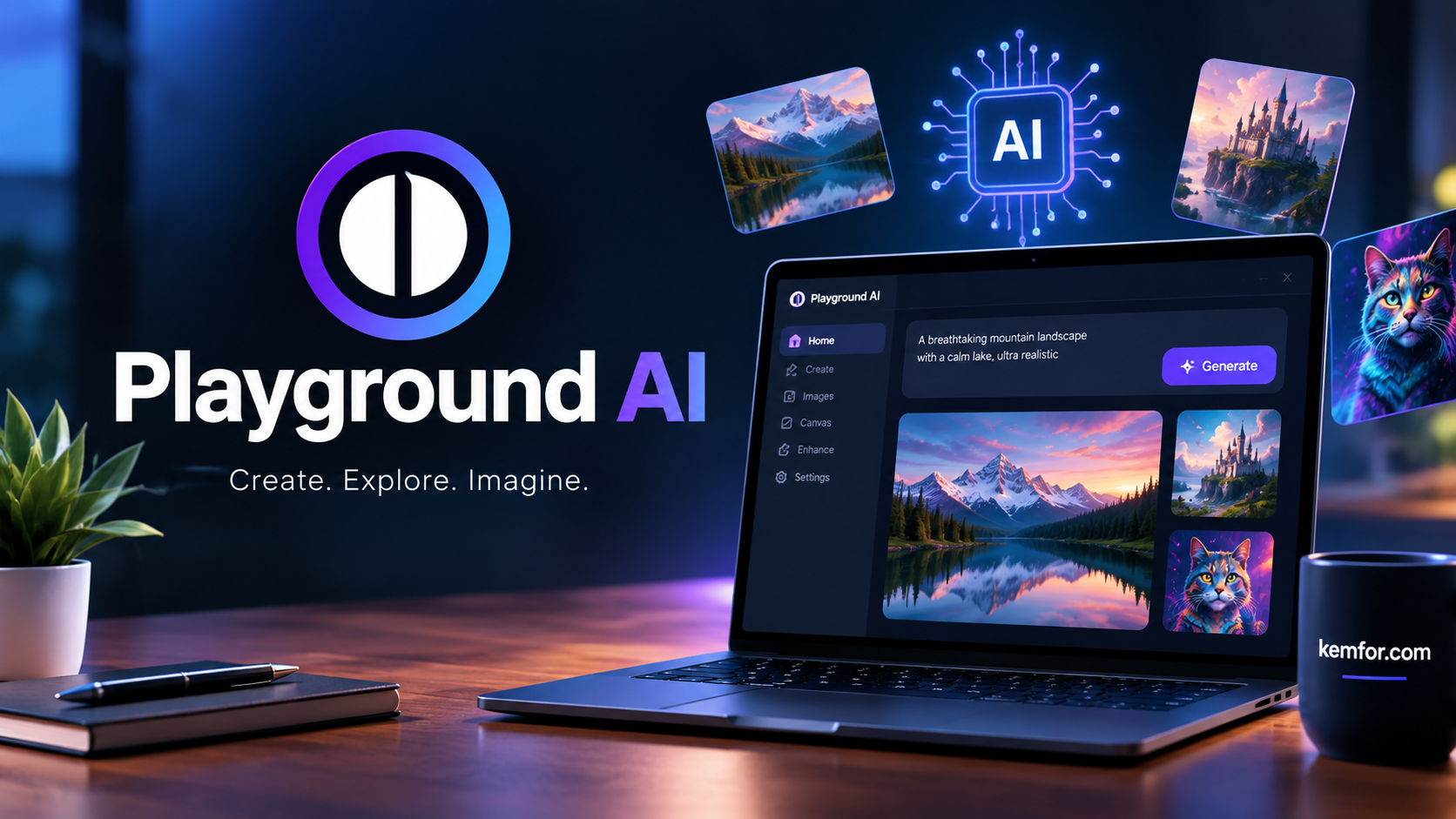
If you’ve spent any time exploring AI art tools, you’ve probably come across Playground AI. It started out as a simple text-to-image generator, but it has grown into something much bigger: a full AI-powered design workspace that blends image generation with editing tools you’d normally expect from Canva or Photoshop.
In this guide, we’ll break down what Playground AI actually does, who it’s built for, and whether it deserves a spot in your creative toolkit. Whether you’re a beginner who just wants to turn a text prompt into a picture, or a professional looking for a faster way to produce marketing assets, this article will help you decide.
What Is Playground AI?
Playground AI (now often just called Playground, accessible at playground.com) is a browser-based platform that combines AI image generation with a template-driven design editor. Instead of forcing you to master complicated prompt engineering, it gives you a starting point — a template, a style preset, or a reference image — and lets you shape the result using plain language.
The platform was built with the idea that AI-powered visual creation shouldn’t be limited to people who already know how to “talk” to an AI model. That’s a big part of why it has grown into a genuinely useful option for non-designers, marketers, and small business owners, not just digital artists.
Under the hood, Playground supports multiple AI models, including its own proprietary Playground models, alongside options like GPT-4o-based image generation, Stable Diffusion, and Seedream. This gives users flexibility to switch models depending on the style or level of realism they’re after.
A Quick Look at the Platform’s Growth
Playground didn’t stay a niche tool for long. It now serves millions of registered users who have collectively generated well over a billion images. That kind of scale usually means one of two things: either the tool is genuinely useful, or it’s just riding a hype wave. In Playground’s case, it’s mostly the former — the free tier and approachable interface are the main reasons so many people keep coming back.
Key Features of Playground AI
Playground’s feature set has expanded well past basic text-to-image generation. Here’s what stands out.
1. Text-to-Image Generation
At its core, Playground still does what it was originally known for: turning a written prompt into an image. You type a description, pick a model and style preset, and the platform generates several variations for you to choose from.
It works especially well for practical, everyday formats such as:
- Social media graphics
- Posters and flyers
- Logo concepts
- Product mockups
- Stickers and merchandise designs
This focus on practical outputs is part of what sets Playground apart from purely artistic generators — it’s less about producing a single stunning image and more about creating something you can actually use.
2. Template-Driven Design Workflow
One of Playground’s biggest strengths is its template system. Rather than starting from a blank canvas, you can choose a pre-made template for a logo, ad, or social post, then customize it using natural language instructions.
This approach removes a lot of the friction that comes with prompt-only tools. If you’ve ever stared at a blank text box wondering what to type, templates give you a head start and a clearer sense of direction.
3. Canvas Editor and Layer-Based Editing
Playground includes an infinite canvas where you can combine AI-generated images with your own uploads. On this canvas, you can:
- Mask and edit specific regions of an image (inpainting)
- Layer text, image, and shape elements independently
- Resize, move, and restyle individual layers without affecting the rest of the design
This layer-based structure brings Playground closer to a real design tool than a simple prompt box, which matters a lot if you’re producing finished assets rather than just experimenting.
4. Smart Editing Tools
Beyond basic layers, Playground offers editing features that let you modify specific parts of an image using a new prompt, without disturbing the rest of the composition. This is especially handy for quick fixes — swapping out a background, adjusting a product color, or removing an unwanted element — without regenerating the entire image from scratch.
5. Multiple AI Models in One Place
Instead of locking you into a single model, Playground gives you access to several, each with its own strengths:
- Playground’s proprietary models — tuned for design-friendly, practical outputs
- Stable Diffusion — a flexible, widely used open model
- GPT-4o / GPT Image-based generation — strong for following detailed instructions
- Seedream — another option for varied artistic styles
Being able to switch models within the same workspace saves you from juggling multiple separate tools.
6. Real-Time Collaboration
For teams, Playground supports real-time collaboration on the same canvas. Multiple people can work on a design simultaneously, which is a genuinely useful feature if you’re producing content as part of a marketing or creative team rather than working solo.
7. Generous Free Tier
One thing that consistently comes up in user feedback is how generous Playground’s free plan is compared to competitors. Free users can generate a large number of images per day, which makes it an appealing entry point if you want to test AI image generation without committing to a paid subscription right away.
Who Should Use Playground AI?
Playground AI isn’t trying to be everything to everyone, but it does cover a wide range of use cases well.
Beginners and Hobbyists
If you’re just starting out with AI image generation, Playground’s templates and guided workflow make it much less intimidating than a bare prompt box. You don’t need to know prompt engineering tricks to get a decent result.
Content Creators and Social Media Managers
The platform’s focus on practical formats — social posts, thumbnails, promotional graphics — makes it a solid fit for anyone who needs a steady stream of visual content without hiring a designer for every post.
Small Business Owners
Need a logo concept, a product mockup, or flyer design without a big budget? Playground’s template library and editing tools can get you a usable result quickly.
Designers and Creative Professionals
More experienced users can lean on the layer-based editor, inpainting tools, and multiple model options to speed up parts of their workflow — generating base concepts, testing variations, or producing quick drafts before refining them elsewhere.
Playground AI Pricing Overview
Playground offers a free plan alongside paid tiers for users who need higher volume, commercial usage rights, or advanced features. While exact pricing can shift over time, the general structure includes:
- Free plan — a generous daily image allowance, ideal for testing the platform or casual use
- Paid plans — typically starting in the range of $10–15 per month, unlocking higher generation limits, commercial use rights, and additional editing tools
Because pricing details and limits do change periodically, it’s worth checking Playground’s official pricing page before subscribing to confirm current numbers.
Playground AI vs. Other AI Image Tools
It helps to see how Playground stacks up against other well-known names in the space.
Playground vs. Midjourney
Midjourney is often praised for producing more polished, artistic results straight out of the box, especially for stylized or fantasy-style art. Playground, on the other hand, leans more toward practical, editable design work. If raw artistic quality at the top end is your priority, Midjourney may edge ahead. If you want a more flexible, editable workspace with a generous free tier, Playground has the advantage.
Playground vs. Canva
Canva is a design-first platform that has added AI features over time. Playground flips that relationship — it started as an AI image generator and has grown design tools around it. If you already live inside Canva for your workflow, its AI features might be enough. But if AI-generated imagery is central to what you’re making, Playground’s model variety gives you more creative range.
Playground vs. Leonardo AI
Leonardo AI is another strong contender in the AI art space, particularly popular with game asset creators and concept artists. Playground’s edge tends to be its more design-oriented templates and layer editing, making it better suited to marketing and everyday content creation rather than concept art pipelines.
Pros and Cons
Pros:
- Approachable for beginners thanks to templates and guided prompts
- Access to multiple AI models in a single workspace
- Layer-based canvas editor for real design work, not just generation
- Generous free tier compared to many competitors
- Useful for practical formats like social graphics, logos, and product mockups
- Real-time collaboration for team-based work
Cons:
- Image quality at the very top end may not match specialized artistic generators like Midjourney
- The wide feature set can feel like a lot to explore for someone who just wants a quick single image
- Commercial usage rights typically require a paid plan
How to Get Started with Playground AI
Getting up and running takes just a few steps:
- Create an account on Playground’s website — a free account is enough to start.
- Choose a starting point — either a blank prompt, an existing template, or an uploaded reference image.
- Select a model and style — experiment with different AI models to see which output style you prefer.
- Generate and review — Playground typically produces multiple variations per prompt, so you can pick the one closest to your vision.
- Refine on the canvas — use layers, inpainting, and the edit tool to adjust specific areas without starting over.
- Export or share — download your finished design or collaborate with teammates directly in the canvas.
Final Thoughts
Playground AI has evolved well beyond its early days as a simple AI image generator. It now sits somewhere between a pure AI art tool and a full design platform, which makes it genuinely useful for a wide range of people — from beginners experimenting with their first AI-generated image to professionals producing marketing assets on a deadline.
It may not always match the top-tier artistic output of tools built purely for image quality, but its combination of templates, layer-based editing, multiple AI models, and a generous free plan makes it one of the more practical AI design tools available right now. If your goal is creating usable, polished visuals without a steep learning curve, Playground AI is well worth trying.