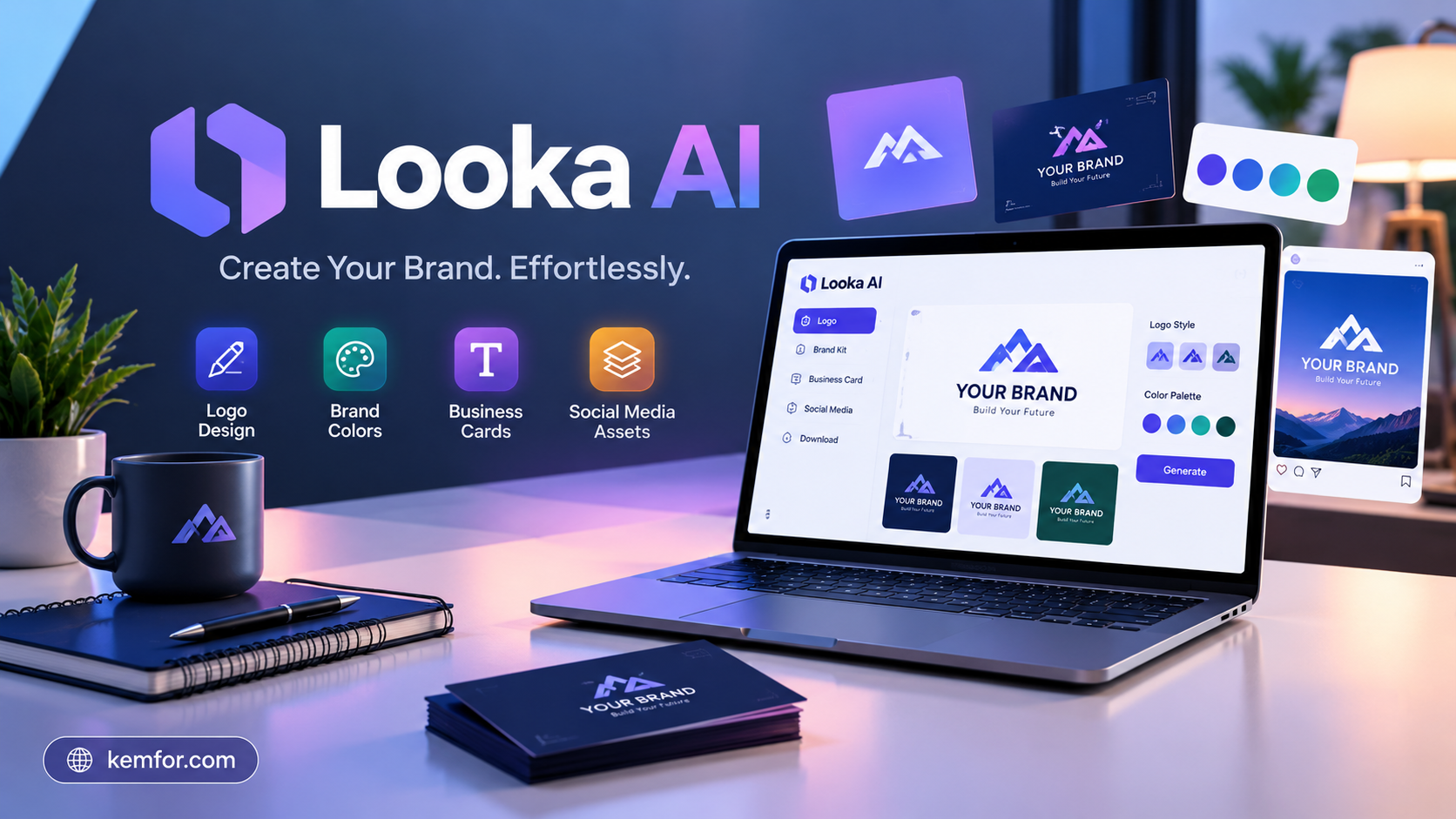
Starting a business means facing a long list of “firsts” — first business plan, first website, first logo. That last one trips up a lot of founders. Hiring a professional designer can cost hundreds of dollars and take weeks. That’s the gap Looka AI is built to fill.
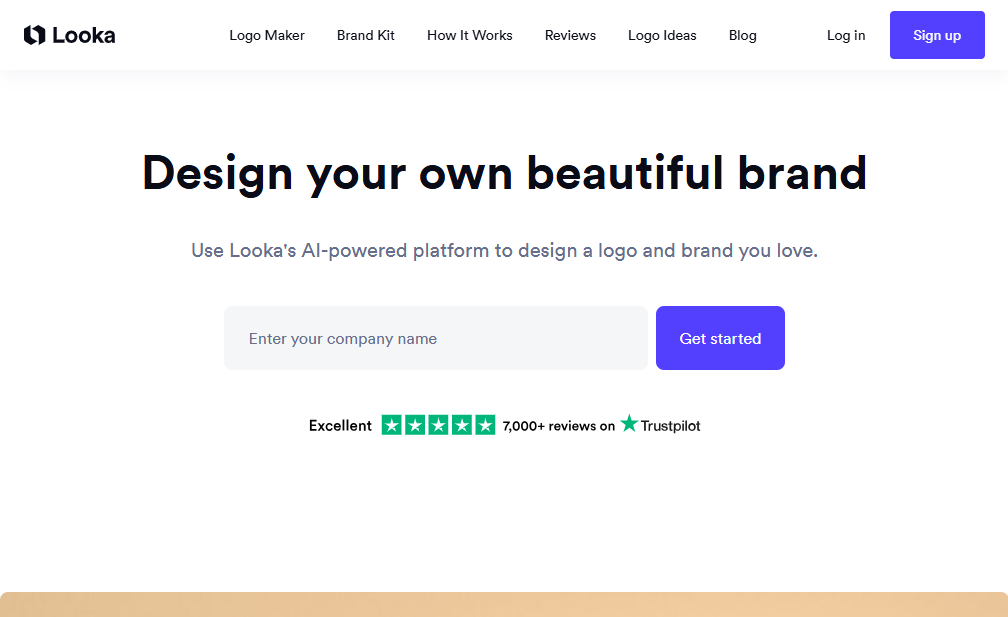
Looka is an AI-powered branding platform that turns a business name and a handful of style preferences into a finished logo, usually in under an hour. It then extends that logo into a full brand kit — business cards, social media graphics, email signatures, and more.
This article breaks down exactly what Looka does, how it works, what it costs, and who actually benefits from using it. Whether you’re a solo founder, a small agency, or just curious about AI design tools, you’ll get a clear, honest picture before you spend a dollar.
What Is Looka AI?
Looka (formerly known as Logojoy) is an AI-driven logo and brand identity generator. Instead of starting with a blank canvas, you answer a short guided questionnaire — your business name, your industry, the styles you like, and your preferred colors. Looka’s algorithm then combines fonts, icons, and color palettes from its library to produce dozens of logo concepts almost instantly.
It’s not a general-purpose design tool, and it’s not a text-prompt AI generator like some newer competitors. Looka works within a structured system: it learns from your selections and narrows down options step by step, similar to how a stylist might show you outfits based on your taste rather than sewing something from scratch.
Beyond logos, Looka offers:
- A Brand Kit with hundreds of templates for marketing materials
- A drag-and-drop editor for fine-tuning designs
- An AI website builder on higher-tier plans
- Brand guidelines documents that keep your visual identity consistent
How Does Looka Work? Step-by-Step
Getting started with Looka doesn’t require any design background. Here’s the general flow:
1. Enter Your Business Name
You start by typing in your company or brand name. This becomes the foundation for every logo concept Looka generates.
2. Pick Your Industry
Looka asks what field you’re in — retail, tech, food service, wellness, and so on. This helps the AI suggest icons and styles that actually fit your business rather than generic clipart.
3. Choose Styles You Like
You’ll see a set of sample logos and select the ones that appeal to you. This step trains the algorithm on your taste in a similar way to how streaming services learn your preferences from what you watch.
4. Select Colors and Symbols
Next, you narrow down a color palette and pick icons or symbols related to your brand or industry.
5. Review AI-Generated Logo Concepts
Within seconds, Looka displays a batch of logo options — often 40 or more — built from your inputs. You can browse, favorite, and compare them side by side.
6. Customize in the Editor
Once you find a design you like, Looka’s editor lets you adjust fonts, spacing, icon placement, and colors until the logo feels right.
7. Preview and Purchase
Before buying, you can preview your logo on real-world mockups like business cards, t-shirts, or a storefront sign. This helps you judge how it will actually look in use, not just as a flat image.
Key Features of Looka
AI Logo Generator
This is the core of the platform. The AI produces a large batch of logo concepts based on your questionnaire answers, giving you a strong starting point instead of an empty design tool.
Drag-and-Drop Editor
Once you pick a favorite direction, the editor lets you fine-tune everything — swap fonts, resize icons, adjust layout, and test different color combinations without needing design software experience.
Brand Kit
This is where Looka goes beyond a simple logo tool. The Brand Kit includes hundreds of templates covering:
- Business cards and letterheads
- Social media posts and profile graphics
- Email signatures
- Presentation templates
- Brand guideline documents
All of these automatically pull your logo’s colors and fonts, so everything looks consistent without extra design work.
Mockup Previews
Looka lets you see your logo applied to real objects — signage, packaging, apparel, and digital screens — before you commit. This is genuinely useful for catching design choices that look fine on screen but awkward in the real world.
File Formats and Ownership
Paid plans include professional file formats like SVG, EPS, and PDF, which scale cleanly for printing at any size. Once purchased, you get full commercial rights to use the logo however you need.
AI Website Builder
On the top-tier subscription, Looka includes a basic website builder that automatically uses your brand’s colors, fonts, and logo, so your site and branding stay visually aligned from day one.
Looka Pricing Explained
Looka doesn’t offer a free download, but you can browse and design logos for free before paying. Pricing generally breaks down like this:
- Basic Logo (one-time payment): A single low-resolution PNG file with limited customization — a budget option, though not ideal if you need scalable files.
- Premium Logo (one-time payment): Includes vector formats like SVG and EPS, transparent backgrounds, multiple color variations, and unlimited edits after purchase.
- Brand Kit (annual subscription): Everything in the Premium plan plus hundreds of branded templates, business card and social media designs, and a brand guidelines document.
- Brand Kit + Website (annual subscription): Adds the AI website builder, hosting, and domain options on top of the full Brand Kit.
For most small businesses, the Premium one-time logo purchase or the Brand Kit subscription tends to offer the best value — the Basic plan’s lack of vector files can become a real limitation once you need to print anything at large sizes.
Who Should Use Looka?
Looka fits certain situations especially well:
- Solo founders and startups who need a professional-looking logo fast and can’t justify a designer’s fee yet
- Small business owners who want a consistent brand kit without hiring an agency
- Freelancers and side-project builders who need something presentable for a portfolio or client-facing brand
- Non-designers who feel intimidated by tools like Photoshop or Illustrator
If you’re in early-stage business mode and need a logo plus basic marketing materials this week, Looka handles that job cleanly and affordably.
Who Might Want to Look Elsewhere
Looka isn’t the right fit for everyone:
- Established brands looking for a truly original identity. Because Looka assembles designs from existing font, icon, and palette libraries, there’s a ceiling on how unique or custom the final result can feel.
- Businesses that want full creative control. If you have a very specific creative vision, a freelance or agency designer working from a blank canvas may serve you better.
- B2B or highly specialized industries. Some reviewers note that Looka’s icon library and templates lean toward consumer-facing, lifestyle-friendly styles, which can feel less tailored for niche B2B branding.
Looka vs. Hiring a Designer
The most obvious comparison people make is Looka versus a professional designer. Here’s a simple way to think about the trade-off:
- Speed: Looka delivers concepts in seconds; a designer typically takes days to weeks.
- Cost: Looka’s one-time logo plans cost a fraction of most freelance design rates.
- Customization: A human designer can build something entirely from scratch around your specific vision; Looka works within its existing design library.
- Consistency: Looka’s Brand Kit automatically extends your logo across dozens of templates instantly — a designer would need to create each one manually (and likely charge for it).
For most early-stage businesses, Looka offers a practical middle ground: professional-looking results without the cost or wait time of custom design work.
Looka vs. Canva
Another common comparison is Looka against general design platforms like Canva. The core difference comes down to approach:
- Looka uses a guided questionnaire that produces coherent, ready-to-use logo concepts automatically — you’re choosing from AI-generated options.
- Canva gives you a much larger degree of manual editing freedom and a broader template library, but you’re doing more of the design work yourself.
If your priority is getting a finished, cohesive logo with minimal effort, Looka tends to win. If you want more hands-on creative control and don’t mind a steeper learning curve, Canva may suit you better.
Tips for Getting the Best Results from Looka
A few small adjustments can noticeably improve what the AI generates for you:
- Select a wide range of styles early on. Giving the algorithm more signal in the early steps helps it narrow down better matches later.
- Don’t settle for the first batch. Scroll through multiple pages of concepts before picking a favorite — the variety often improves as you browse.
- Use the mockup previews before buying. A logo that looks great as a flat graphic can look different on a business card or app icon.
- Check the file formats included in your plan. If you’ll need to print at large sizes, make sure your purchase includes vector files like SVG or EPS.
Final Verdict: Is Looka AI Worth It?
Looka AI does what it promises: it turns a business name and a few style choices into a professional, usable logo and brand kit in a short amount of time. For early-stage founders, freelancers, and small business owners who need to move fast without a big design budget, it’s a genuinely useful tool.
It won’t replace a skilled designer for brands that need a highly original identity or deep creative customization. But for the vast majority of small businesses just getting off the ground, Looka offers a fast, affordable, and surprisingly polished way to build a brand from scratch.
If you’re weighing your options, it’s worth spending a few minutes designing a free logo concept in Looka before deciding — you’ll get a real feel for the quality without spending anything upfront.