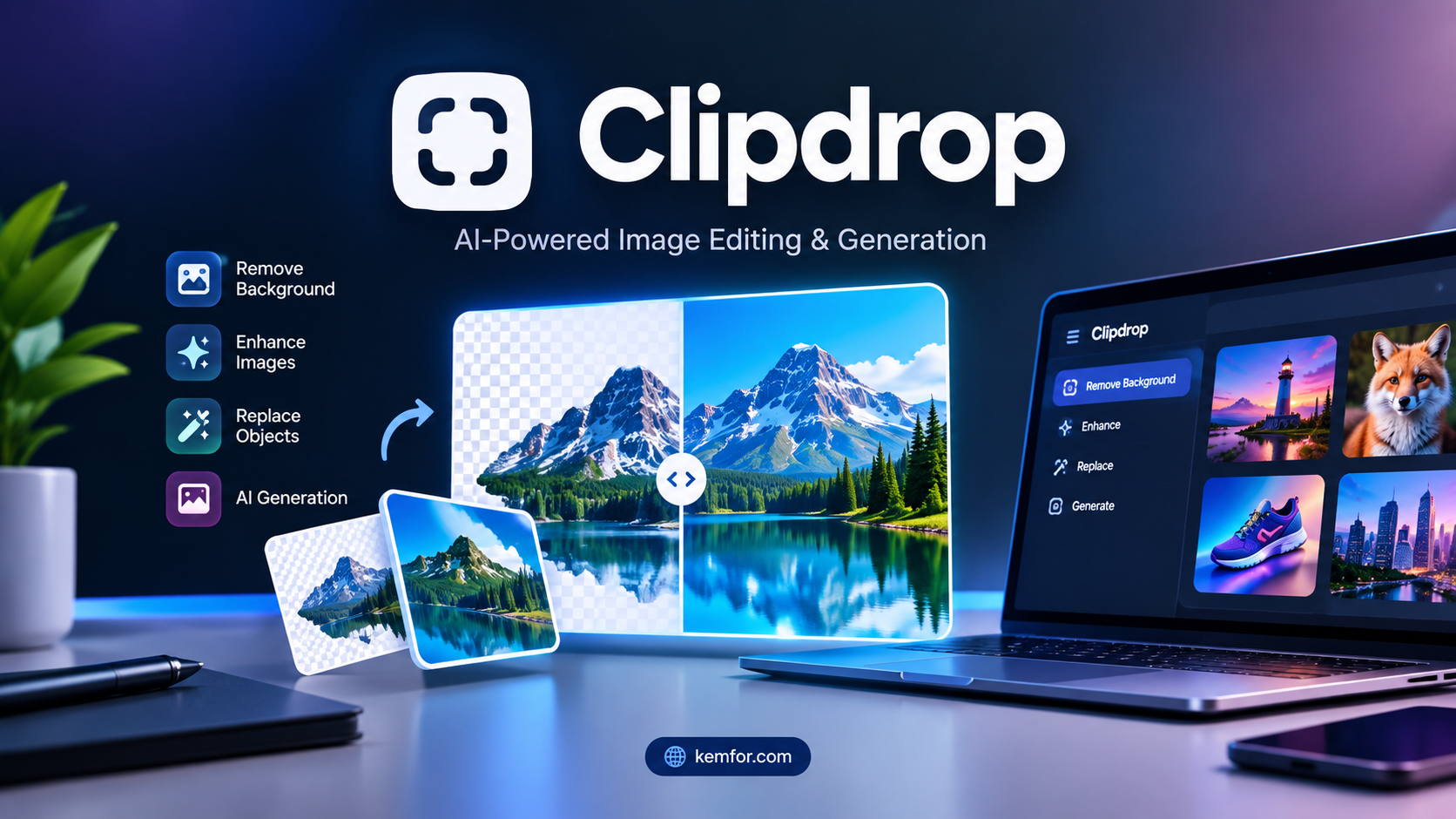
If you’ve ever needed to remove a background from a product photo, clean up an unwanted object in a picture, or upscale a blurry image without opening Photoshop, there’s a good chance someone pointed you toward Clipdrop.
Clipdrop is one of those tools that quietly became part of a lot of people’s workflows — photographers, e-commerce sellers, social media managers, and casual users alike. It doesn’t try to be an all-in-one design platform like Canva. Instead, it focuses on doing a handful of image editing tasks extremely well, using AI to do in seconds what used to take real editing skill and a lot of patience.
In this guide, we’ll break down what Clipdrop actually does, how it works, what it costs, and whether it’s the right tool for you in 2026.
What Is Clipdrop?
Clipdrop is an AI-powered image editing platform that offers a collection of single-purpose tools: background removal, object cleanup, image upscaling, relighting, text removal, uncropping, and AI image generation, among others.
It was originally built by Init ML, a Paris-based startup founded in 2020 by three former Google engineers. Clipdrop grew out of a viral augmented-reality demo that let people “cut” real-world objects with their phone camera and “paste” them straight into a desktop app — a neat trick that hinted at the product’s larger ambition of making complex visual editing feel effortless.
Stability AI, the company behind Stable Diffusion, acquired Init ML in early 2023 and used Clipdrop as a showcase for its image-generation models. Less than a year later, in February 2024, Stability AI sold Clipdrop to Jasper, an AI platform best known for marketing content tools. Clipdrop is now owned and operated by Jasper, though it still runs as a standalone product at clipdrop.co, and the original founding team continues to lead its development from Paris.
Despite the change in ownership, Clipdrop’s core idea hasn’t changed: instead of learning a full editing suite, you upload a photo, pick the tool you need, and let the AI handle the technical work.
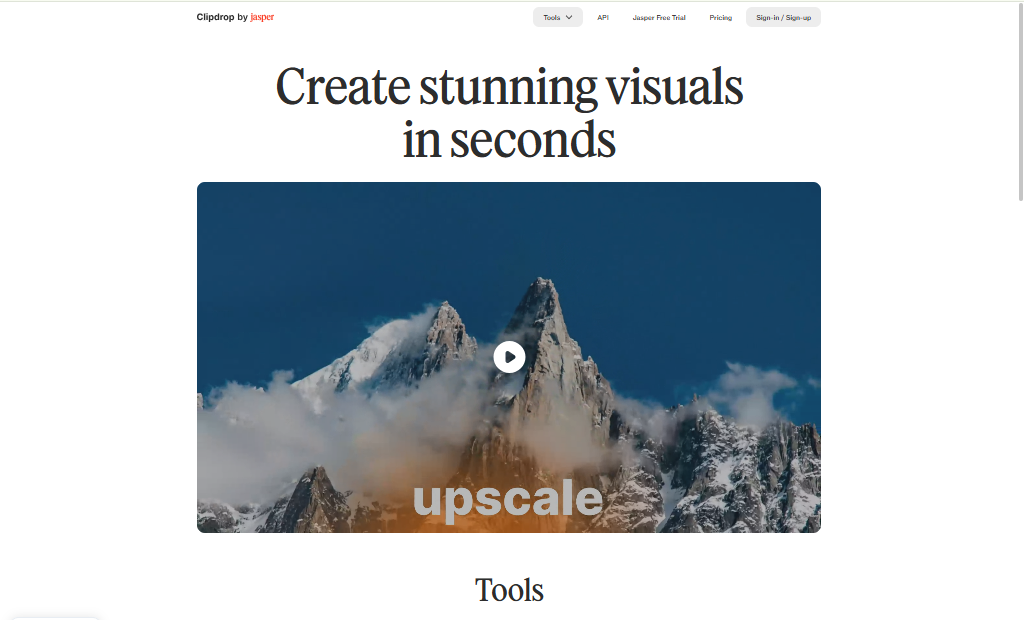
How Does Clipdrop Work?
At a high level, Clipdrop works like this:
- You upload an image (or generate one from a text prompt, depending on the tool).
- You choose a specific tool — for example, “Remove Background” or “Cleanup.”
- Clipdrop’s AI models analyze the image, identify the relevant elements (a subject, an object, a section of background), and process the edit automatically.
- You review the result, make small adjustments if the tool allows it, and download the finished image.
There’s no manual masking, no layers, and no steep learning curve. The AI models behind Clipdrop — many of them built on or related to Stable Diffusion — handle the heavy lifting, which is what makes the tool appealing to people who aren’t trained designers.
Clipdrop is available as a web app, mobile apps for iOS and Android, a Photoshop plugin, and a developer API for teams that want to build these capabilities into their own products.
Key Features of Clipdrop
Clipdrop’s strength is its focused toolkit. Here are the features people use most:
- Remove Background — Automatically detects the subject of a photo and cuts out the background, including tricky details like hair and fur. Popular for product photography and profile pictures.
- Cleanup — Lets you brush over unwanted objects, people, watermarks, or blemishes in a photo, and the AI fills in the gap naturally.
- Image Upscaler — Increases the resolution of a low-quality or small image without the usual blur or pixelation.
- Relight — Adjusts the lighting on a subject after the photo has already been taken, useful for fixing harsh shadows or mismatched lighting.
- Text Remover — Strips text, captions, or watermarks from an image while reconstructing the area underneath.
- Replace Background — Swaps out a photo’s background entirely and places the subject in a new AI-generated scene.
- Uncrop — Expands the borders of an image and fills in the new space with AI-generated content that matches the original.
- Text-to-Image — Generates original images from a written prompt, built on Stable Diffusion technology.
- Reimagine — Creates AI-generated variations of an existing photo, useful for exploring creative directions.
Each of these tools is designed to be used independently — you don’t need to learn the whole suite to get value from one feature.
How to Use Clipdrop
Getting started with Clipdrop takes only a few minutes. Here’s a simple walkthrough for beginners:
- Go to the Clipdrop website or download the app. Visit clipdrop.co, or install the Clipdrop app on iOS or Android.
- Create a free account. Sign up with an email address or a Google account to start using the tools.
- Choose the tool you need. From the homepage, select the tool that matches your task — for example, “Remove Background.”
- Upload your image. Drag and drop a photo, or select one from your device.
- Let the AI process the image. Most edits take just a few seconds to a couple of minutes, depending on the tool and file size.
- Review and adjust. Some tools, like Cleanup, let you brush over specific areas for a more precise edit.
- Download your result. Export the finished image in the resolution available on your current plan.
For more advanced use, developers can use the Clipdrop API to integrate these same features directly into their own apps or workflows, which is common among e-commerce platforms and photo-editing services.
Clipdrop Pricing and Plans
Clipdrop follows a simple freemium structure with two main tiers for individual users, plus a separate option for developers:
- Free Plan — Gives you access to all the core tools with daily usage limits and standard resolution output. It’s a solid way to test the platform before paying for anything.
- Pro Plan — Removes daily usage limits, unlocks high-resolution exports, and gives you priority processing so your images generate faster. This is the plan most regular users, freelancers, and small businesses end up choosing.
- API Plan — Pay-as-you-go pricing aimed at developers and businesses who want to build Clipdrop’s tools into their own apps or automate image editing at scale.
Because Clipdrop is now part of Jasper’s product ecosystem, pricing has become somewhat region-dependent, and API access for business use increasingly routes through Jasper’s own plans and terms. Prices and plan details can and do change, so it’s worth checking the official Clipdrop pricing page directly before you subscribe, especially if you’re planning to use the API for a commercial project.
Pros and Cons
| Pros | Cons |
|---|---|
| Very easy to use, no editing skills required | Not built for deep, layer-based editing like Photoshop |
| Free plan gives access to every tool | Daily limits and standard resolution on the free tier |
| Fast processing, usually just a few seconds | API and business pricing now depend on Jasper’s terms, which adds complexity |
| Each tool is genuinely good at its single job | Pricing can vary by region, so it’s not always transparent upfront |
| Available on web, mobile, and as a Photoshop plugin | Ownership changes (Stability AI to Jasper) may raise questions about long-term direction |
| API available for developers who want to build custom workflows | Some features overlap with cheaper or free competitors |
Who Should Use Clipdrop?
Clipdrop tends to work best for:
- E-commerce sellers who need clean, consistent product photos with backgrounds removed quickly.
- Photographers who want to fix lighting, remove distracting objects, or upscale images without a full editing suite.
- Social media managers and content creators who need fast turnarounds on visuals for posts, ads, or thumbnails.
- Freelancers and small businesses that can’t justify a full Adobe Creative Cloud subscription for occasional edits.
- Developers building apps that need background removal, upscaling, or image cleanup as a built-in feature, via the API.
It’s less suited to professional designers who need precise, layer-based control, or teams already fully invested in Photoshop or a similar full-featured editor.
Best Alternatives to Clipdrop
If Clipdrop doesn’t quite fit your needs, a few solid alternatives are worth considering:
- PhotoRoom — Focused heavily on product photography and background removal, often considered a strong specialist alternative for e-commerce sellers.
- Adobe Firefly — Adobe’s generative AI suite, tightly integrated with Photoshop, offering strong generative fill and editing tools for users already in the Adobe ecosystem.
- Canva Magic Studio — A good option for people who want AI image editing bundled inside a broader design and templating platform.
- remove.bg — A simple, dedicated tool built specifically for background removal, useful if that’s the only feature you need.
- Fotor — An AI photo editor with background removal, enhancement, and design tools aimed at casual and small-business users.
Each of these tools has its own strengths, so the right pick depends on whether you want a specialist tool, a full design platform, or something tied into software you already use.
Is Clipdrop Safe to Use?
Clipdrop is a legitimate, actively maintained product now operated by Jasper, a known company in the AI space. For everyday use — editing personal or business photos — it’s generally considered safe.
That said, a few practical points are worth keeping in mind:
- Read the terms before uploading sensitive images. As with any cloud-based AI tool, your images are processed on Clipdrop’s servers, so avoid uploading anything highly confidential or containing personal data you wouldn’t want stored, even temporarily.
- Check current data and privacy policies. Ownership changes, like the move from Stability AI to Jasper, can come with updates to data handling and terms of service, so it’s worth reviewing the latest privacy policy on the official site.
- Business and API users should confirm terms directly. Since API access now increasingly routes through Jasper’s business plans, teams building products on top of Clipdrop should verify current rate limits, pricing, and usage rights before committing.
Overall, there’s no indication that Clipdrop poses unusual security risks, but the standard caution that applies to any cloud-based editing tool applies here too.
Frequently Asked Questions (FAQs)
1. Is Clipdrop free to use? Yes. Clipdrop offers a free plan that includes access to all of its tools, though with daily usage limits and standard resolution output.
2. Who owns Clipdrop now? Clipdrop is currently owned by Jasper AI. It was originally built by Init ML, acquired by Stability AI in 2023, and then sold to Jasper in February 2024.
3. Does Clipdrop use Stable Diffusion? Yes, several of Clipdrop’s generative features, including its text-to-image tool, are built on Stable Diffusion technology from its time under Stability AI.
4. Can I use Clipdrop on my phone? Yes. Clipdrop has mobile apps available for both iOS and Android, in addition to its web app.
5. Is there a Clipdrop plugin for Photoshop? Yes, Clipdrop offers a Photoshop plugin that lets you access its tools directly inside your existing editing workflow.
6. What’s the difference between the Free and Pro plans? The Free plan includes daily usage limits and standard resolution exports. The Pro plan removes those limits, unlocks high-resolution output, and offers faster processing.
7. Can developers integrate Clipdrop into their own apps? Yes, Clipdrop offers a pay-as-you-go API for developers, though business and high-volume API access is increasingly managed through Jasper’s plans.
Final Verdict
Clipdrop earns its reputation as a fast, no-fuss image editing tool. It’s not trying to replace Photoshop, and it doesn’t need to — its value comes from doing a small set of tasks (background removal, cleanup, upscaling, relighting) quickly and with almost no learning curve.
The generous free plan makes it easy to try before you commit to anything, and the Pro plan is reasonably priced for what it removes in limits. The main thing to watch is the ownership transition to Jasper, which has made pricing and API terms a little less straightforward than they used to be — so it’s worth double-checking the official site before subscribing, particularly for business or API use.
For photographers, e-commerce sellers, content creators, and developers who need quick, reliable AI image editing without a steep learning curve, Clipdrop remains a genuinely useful tool worth adding to your kit.