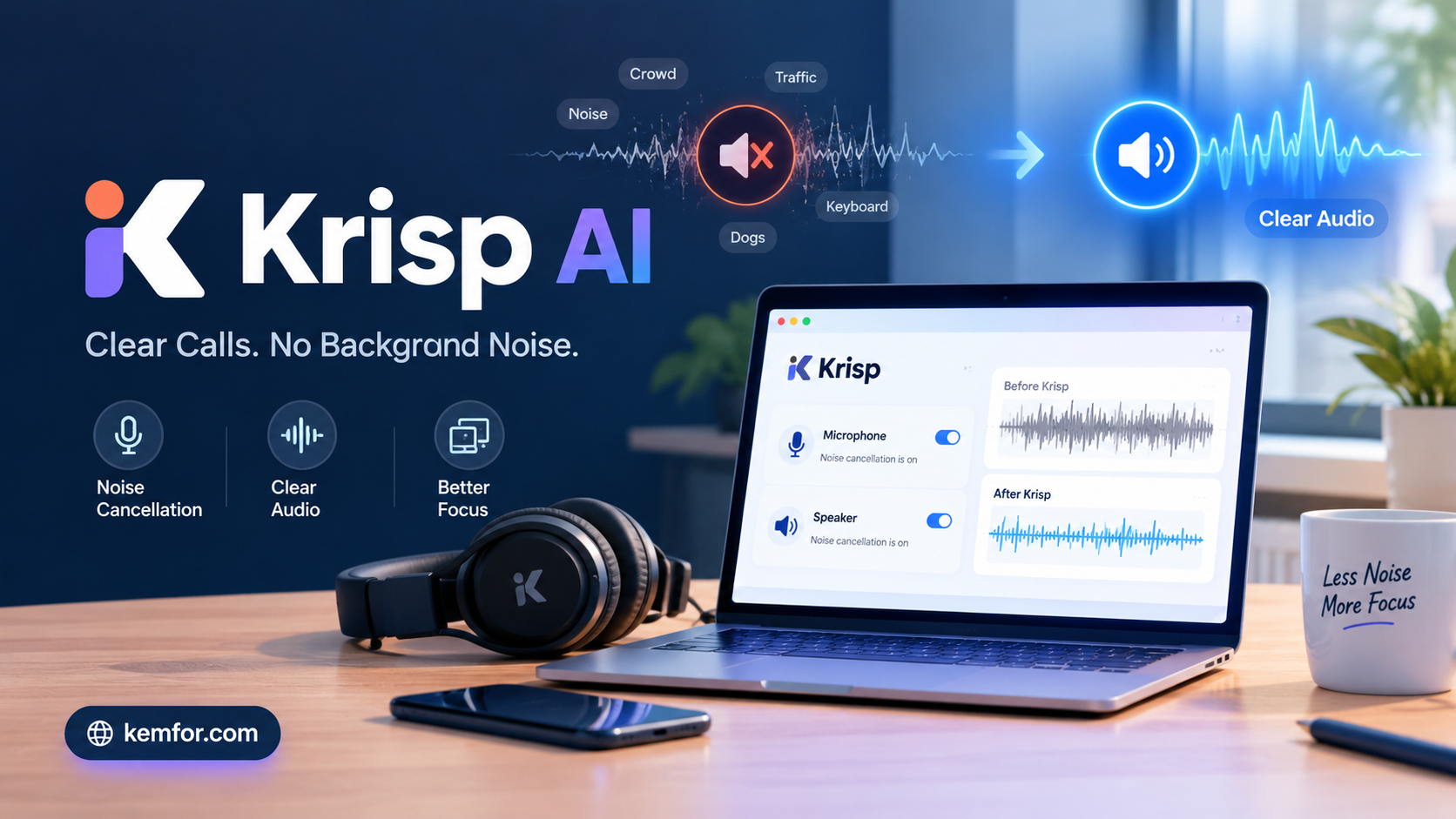
If you’ve ever been on a video call and had to apologize for a barking dog, a noisy street, or a roommate vacuuming in the next room, you already understand the problem Krisp AI is trying to solve. It’s one of the most talked-about tools in the “AI for remote work” category, and for good reason — it quietly strips background noise out of your calls without you having to buy new hardware or change how you work.
This article breaks down what Krisp AI actually does, how it works under the hood, what it costs, and whether it deserves a spot in your daily toolkit.
What Is Krisp AI?
Krisp is an AI-powered audio and meeting assistant that removes background noise, echo, and cross-talk from voice calls in real time. It was built to solve a very specific, very common problem: not everyone works from a quiet, soundproofed office, but most meeting software assumes you do.
Instead of asking you to buy a fancy microphone or move to a quieter room, Krisp sits between your hardware and whatever calling app you’re using — Zoom, Google Meet, Microsoft Teams, Discord, Slack huddles, or even a regular phone call. It cleans the audio before it ever reaches the other person, and it can do the same for the audio coming into your ears.
Over the past few years, Krisp has grown beyond pure noise cancellation. It now includes meeting transcription, automatic summaries, action-item tracking, and even accent conversion, positioning itself less as a single-feature utility and more as a full meeting assistant.
How Krisp AI Works
A Virtual Microphone Layer
When you install Krisp, it creates a virtual audio device on your computer. Instead of selecting your laptop’s built-in microphone inside Zoom or Teams, you select “Krisp Microphone” instead. Your real mic still captures sound as normal — Krisp just intercepts that signal, filters it, and passes the cleaned-up version along to your call.
This approach is what makes Krisp so flexible. Because it works at the operating-system level rather than inside a specific app, it doesn’t need a special plugin or integration for every platform you use. If an app can accept microphone input, Krisp can usually clean it.
Bidirectional Noise Cancellation
Most built-in noise suppression tools (like the ones baked into Zoom or Teams) only clean up your own microphone. Krisp does that too, but it also cleans the audio coming from the other side of the call — a feature it calls bidirectional or “speaker” cancellation.
That matters more than it sounds. If a colleague joins a call from a noisy café, you don’t have to ask them to mute themselves or find a quieter spot. Krisp filters what you hear as well as what you send, so both directions of the conversation stay clear.
Deep Learning, Not Simple Filters
Older noise-suppression tech usually worked by cutting out specific frequency ranges, which often muffled voices along with the noise. Krisp instead uses a deep learning model trained on a huge range of recorded background sounds — traffic, keyboards, pets, construction, wind, and more. The model has learned to recognize the difference between “this is a human voice” and “this is not,” which lets it remove far more noise types while keeping speech sounding natural.
Importantly, this processing happens locally on your device rather than being sent to Krisp’s servers. That’s a meaningful detail for privacy-conscious users, since your raw audio isn’t leaving your machine just to get the noise-cancellation benefit.
Key Features of Krisp AI
AI Noise Cancellation
This is the feature Krisp is best known for. It removes background sounds — barking dogs, sirens, keyboard clatter, air conditioners, café chatter — while leaving your voice intact. It works across virtually any app that uses your device’s audio input, since it operates independently of the calling software itself.
Echo Cancellation
Rooms with hard floors or bare walls tend to produce echo that’s distracting on calls. Krisp reduces this reverb effect automatically, which is especially useful for people working from shared spaces, kitchens, or rooms without soft furnishings to absorb sound.
Meeting Transcription and Notes
Krisp can transcribe meetings and generate summaries and action items without requiring a bot to join the call — a detail that matters to teams uncomfortable with third-party recording bots showing up in their meeting list. It supports transcription across a wide range of languages, making it useful for international or distributed teams.
Accent Conversion
One of Krisp’s more distinctive features is real-time accent conversion, designed to make speech easier for the listener to follow while keeping the speaker’s natural voice and tone. This has proven especially popular with customer support teams and call centers, where clear communication directly affects customer experience.
Broad App Compatibility
Because Krisp works at the system level, it isn’t tied to a single video conferencing platform. It’s commonly used with:
- Zoom
- Microsoft Teams
- Google Meet
- Slack huddles
- Discord
- Standard phone and VoIP calls
For teams building their own communication tools, Krisp also offers SDKs and APIs that let noise cancellation be built directly into custom platforms.
Integrations for Workflows
Beyond calling apps, Krisp connects with productivity tools like Notion, HubSpot, and Salesforce, along with more general options like Zapier and webhooks, so meeting notes and summaries can flow into the systems teams already use.
Who Should Use Krisp AI?
Remote Workers and Freelancers
If you work from home, a co-working space, or anywhere with unpredictable background noise, Krisp removes one of the biggest sources of friction in daily calls — the need for a perfectly quiet room.
Podcasters and Content Creators
For anyone recording voice content outside a studio, Krisp can clean up ambient noise and echo, cutting down on the amount of post-production audio cleanup needed afterward.
Customer Support and Call Centers
Bidirectional noise cancellation, combined with accent conversion, is particularly valuable in customer service environments where every call needs to sound clear and professional, regardless of where an agent is working from.
Teams That Take a Lot of Meetings
If your calendar is full of back-to-back meetings, the built-in transcription and automated summaries can save real time by removing the need to take manual notes during every call.
Krisp AI Pricing
Krisp typically offers a tiered pricing structure:
- Free plan — includes a limited amount of daily noise cancellation minutes and a small number of AI summaries, useful for trying the tool out on occasional calls.
- Pro plan — usually priced per user per month (with a discount for annual billing), unlocking unlimited noise cancellation, unlimited transcription, meeting summaries, action items, and call recording.
- Business/Enterprise plans — built for larger teams, typically adding admin controls, security certifications, and broader integration support.
Because pricing and plan details change over time, it’s worth checking Krisp’s official site for the most current numbers before committing.
Pros and Cons
What Works Well
- Strong, natural-sounding noise removal that doesn’t make voices sound robotic
- Works with virtually any calling app, not just a specific platform
- Bidirectional cancellation cleans up both sides of a conversation
- Runs locally, which is a plus for privacy
- Lightweight on system resources despite running AI models on-device
- No bot needs to join your meetings for transcription
Where It Falls Short
- The free plan’s daily minute limit will feel restrictive for heavy users
- Some advanced features (like meeting summaries) may involve cloud processing, unlike the core noise-cancellation feature
- Desktop-focused; mobile support and features can lag behind the desktop app
- Paying per user can add up for larger teams
How Krisp Compares to Alternatives
Built-in noise suppression from Zoom, Teams, and Google Meet has improved significantly, and for casual users on a budget, it may be enough. Where Krisp stands out is consistency across every app you use — instead of relying on each platform’s own noise suppression (which varies in quality), you get the same level of cleanup no matter where the call happens.
Hardware solutions like noise-canceling headphones solve a different problem: they clean up what you hear, not what you send to others. Krisp is designed specifically to fix the audio other people hear from your end, which hardware alone can’t do.
Final Verdict
Krisp AI does one core thing extremely well: it makes people sound clearer on calls, regardless of where they’re working from. That alone solves a daily annoyance for a huge number of remote workers, freelancers, and support teams.
The addition of transcription, summaries, and accent conversion turns it from a single-purpose noise filter into a broader meeting assistant, though the noise cancellation is still the feature most people install it for. If your calls regularly get interrupted by background noise, or your team spends a lot of time on video meetings, Krisp is worth trying — especially since the free plan makes it easy to test before paying for anything.
Frequently Asked Questions
Does Krisp AI work with any calling app? Yes. Because it installs as a virtual microphone at the system level, it works with most apps that use your device’s audio input, including Zoom, Teams, Google Meet, Discord, and regular phone calls.
Is my audio sent to Krisp’s servers? The core noise-cancellation processing happens locally on your device. Some newer features, like meeting transcription, may involve cloud processing.
Can Krisp remove noise from both sides of a call? Yes, this is called bidirectional noise cancellation — it cleans your outgoing microphone audio as well as the incoming audio from the other participants.
Is there a free version of Krisp AI? Krisp typically offers a free plan with a limited number of noise-cancellation minutes per day, plus paid plans for unlimited use and additional features.
Does Krisp require a bot to join meetings for transcription? No. Krisp records and transcribes without a separate bot joining your call, which is different from many other meeting-notes tools on the market.