
If your calendar feels like it runs your day instead of the other way around, you’re not alone. Meetings pile up, deep work keeps getting pushed to “later,” and by Friday you’re not sure where the week went. That’s the exact problem Reclaim AI was built to solve.
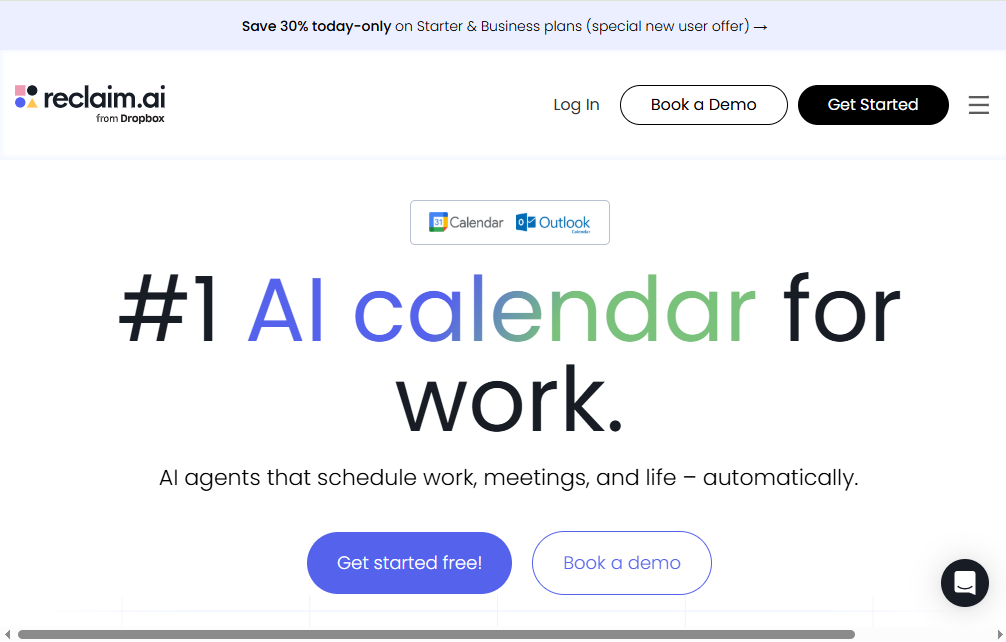
Reclaim AI is an AI-powered scheduling assistant that sits on top of Google Calendar or Outlook and automatically arranges your tasks, habits, meetings, and breaks around your priorities. Instead of you manually blocking time every morning, Reclaim does it for you — and keeps adjusting as your week changes.
In this review, we’ll walk through what Reclaim AI actually does, who it’s best suited for, how much it costs, and whether it’s worth adding to your workflow in 2026.
What Is Reclaim AI?
Reclaim AI is a calendar automation tool, not a replacement for your calendar. It connects to your existing Google Calendar or Microsoft Outlook account and layers intelligent scheduling on top of it.
Rather than showing you empty time slots and hoping you fill them wisely, Reclaim actively places your work on the calendar based on priority. If something more important comes up — a new meeting request, an urgent task, a shifted deadline — it automatically moves lower-priority items to make room, without you lifting a finger.
The company was originally founded in 2019 and became part of Dropbox in August 2024, which has helped fund continued development of the product while it still operates as a standalone tool with its own calendar integrations.
How Reclaim AI Works
Once you connect your calendar, Reclaim analyzes your working hours, existing commitments, and the priorities you set. From there, it fills your schedule with the things that matter most, using a priority system that ranges from Critical to Low.
Here’s a simple example: say you’re a marketing manager with a client report due Friday, a daily 15-minute planning habit, and a recurring lunch break you never want to skip. You add all three to Reclaim, mark the report as high priority, and let the tool do the rest. Reclaim finds open windows for each item and automatically reshuffles them if a last-minute meeting gets scheduled on top.
This “flexible time blocking” is the core idea behind the product. Your blocked time shows as free when your week is light, then quietly converts to busy as your schedule fills up — so you’re not needlessly blocking your calendar when you don’t have to.
Key Features of Reclaim AI
1. AI Focus Time
This is arguably Reclaim’s signature feature. You set a weekly goal for uninterrupted, heads-down work, and Reclaim defends that time automatically.
It works in two modes:
- Proactive mode — schedules focus blocks in advance, regardless of how open your week looks.
- Reactive mode — waits until your calendar starts filling up, then steps in to protect your minimum focus-time target before it’s too late.
This flexibility is genuinely useful, since some people want deep work blocked early, while others prefer to keep their options open until meetings actually threaten their focus time.
2. AI Tasks
Reclaim schedules task work sessions directly onto your calendar based on due dates, estimated duration, and priority level. Instead of a task sitting on a to-do list you keep ignoring, it becomes an actual calendar event with a start and end time — which tends to make people far more likely to complete it.
3. AI Habits
Habits cover recurring routines: exercise, learning time, admin work, journaling, or anything else you want to protect on a regular basis. You can set habits to run daily, on specific weekdays, monthly, or on custom patterns like “the second Friday of every month.”
Each habit gets a priority level, so when your week gets tight, Reclaim knows which routines to protect first and which ones can flex.
4. Smart Meetings and Scheduling Links
Smart Meetings automate the back-and-forth of setting up recurring meetings. You define the attendees, ideal frequency, duration, and priority, and Reclaim finds the best slot across everyone’s calendars. If a conflict comes up later, the meeting automatically reschedules — no email chains required.
Scheduling Links work similarly to tools like Calendly, letting external contacts book time with you based on your real availability, factoring in the focus time and habits you’ve already protected.
5. Calendar Sync and Buffer Time
If you juggle a personal and work calendar, Reclaim can sync them so commitments on one don’t overlap with the other. Buffer Time automatically adds breathing room before or after meetings, which helps prevent the classic back-to-back meeting burnout.
6. Task Integrations
Reclaim connects directly with popular project management tools, including:
- Asana
- Jira
- ClickUp
- Linear
- Todoist
- Google Tasks
Tasks sync in both directions, so updating a due date in Asana updates your Reclaim schedule automatically, and vice versa.
7. Time Tracking and Workforce Analytics
For managers and team leads, Reclaim offers analytics on how time is actually spent across a team — useful for spotting burnout risk, uneven meeting loads, or teams that never get real focus time.
Reclaim AI Pricing
Reclaim AI uses a freemium, per-seat pricing model. Here’s a general breakdown of the plans as of 2026 (annual billing shown; monthly billing typically costs somewhat more):
| Plan | Price (annual) | Best For |
|---|---|---|
| Lite | Free forever | Individuals who just need basic scheduling |
| Starter | Around $10/seat/month | Small teams (up to 10 seats) |
| Business | Around $15/seat/month | Growing teams (up to 100 seats) |
| Enterprise | Around $22/seat/month | Large organizations needing SSO/SCIM |
The free Lite plan is genuinely usable, not just a limited trial. It includes one calendar sync, one scheduling link, one habit, and unlimited tasks and buffer time, though it’s capped to a one-week scheduling range.
Paid plans unlock a longer scheduling range (8 to 12 weeks), unlimited habits and scheduling links, deeper task integrations, and — on Business and Enterprise — team-level features like delegated access and workforce analytics.
New signups typically get a free trial of the Business plan, so you can test the full feature set before deciding which tier fits your needs.
Who Should Use Reclaim AI?
Reclaim AI tends to work best for:
- Knowledge workers with heavy meeting loads who struggle to protect time for actual work.
- Small to mid-sized teams that want shared visibility into how time is being spent.
- People who already use tools like Asana, Jira, or Todoist and want their tasks to automatically become calendar time, not just a list.
- Managers who want workload and burnout insights across a team.
It’s less useful if you only need a simple appointment-booking page — in that case, a dedicated tool built specifically for external bookings might be a better, cheaper fit.
Pros and Cons
Pros:
- Strong free plan with no artificial time limit
- Priority-based scheduling that actually adapts as your week changes
- Deep, two-way integrations with major task management tools
- Automatic buffer time reduces meeting fatigue
- Useful team analytics on the higher-tier plans
Cons:
- No fully native mobile app (Reclaim offers a progressive web app instead)
- Initial setup takes some time, since the AI needs your priorities and preferences to work well
- Outlook support, while functional, is generally considered less mature than the Google Calendar integration
- Some advanced team features are locked behind paid tiers
Reclaim AI vs. Alternatives
Reclaim is often compared to tools like Motion, Clockwise, and Calendly. Broadly speaking:
- Motion offers a similar all-in-one scheduling and task approach but tends to cost more per user.
- Clockwise focuses more narrowly on protecting focus time and optimizing team meetings, without the same depth of habit and task scheduling.
- Calendly is purpose-built for external appointment booking rather than managing your own internal workload — it’s a different tool for a different job.
If your main challenge is defending your own time against a flood of meetings and tasks, Reclaim’s breadth of features generally gives it an edge over narrower, single-purpose tools.
Final Verdict: Is Reclaim AI Worth It?
Reclaim AI does what it promises: it takes the mental load of daily scheduling off your plate and replaces it with an automated system that adapts as your day changes. The free plan alone is worth trying if you use Google Calendar and constantly feel like your to-do list and your calendar live in two different worlds.
For individuals, the Lite plan may be all you need. For teams juggling multiple calendars, task tools, and meeting-heavy weeks, the Starter or Business plans offer a genuinely useful upgrade — automated focus time protection, smarter meeting scheduling, and clearer visibility into how time actually gets spent.
If you’re tired of manually rebuilding your schedule every time something changes, Reclaim AI is one of the more practical AI productivity tools worth testing this year.