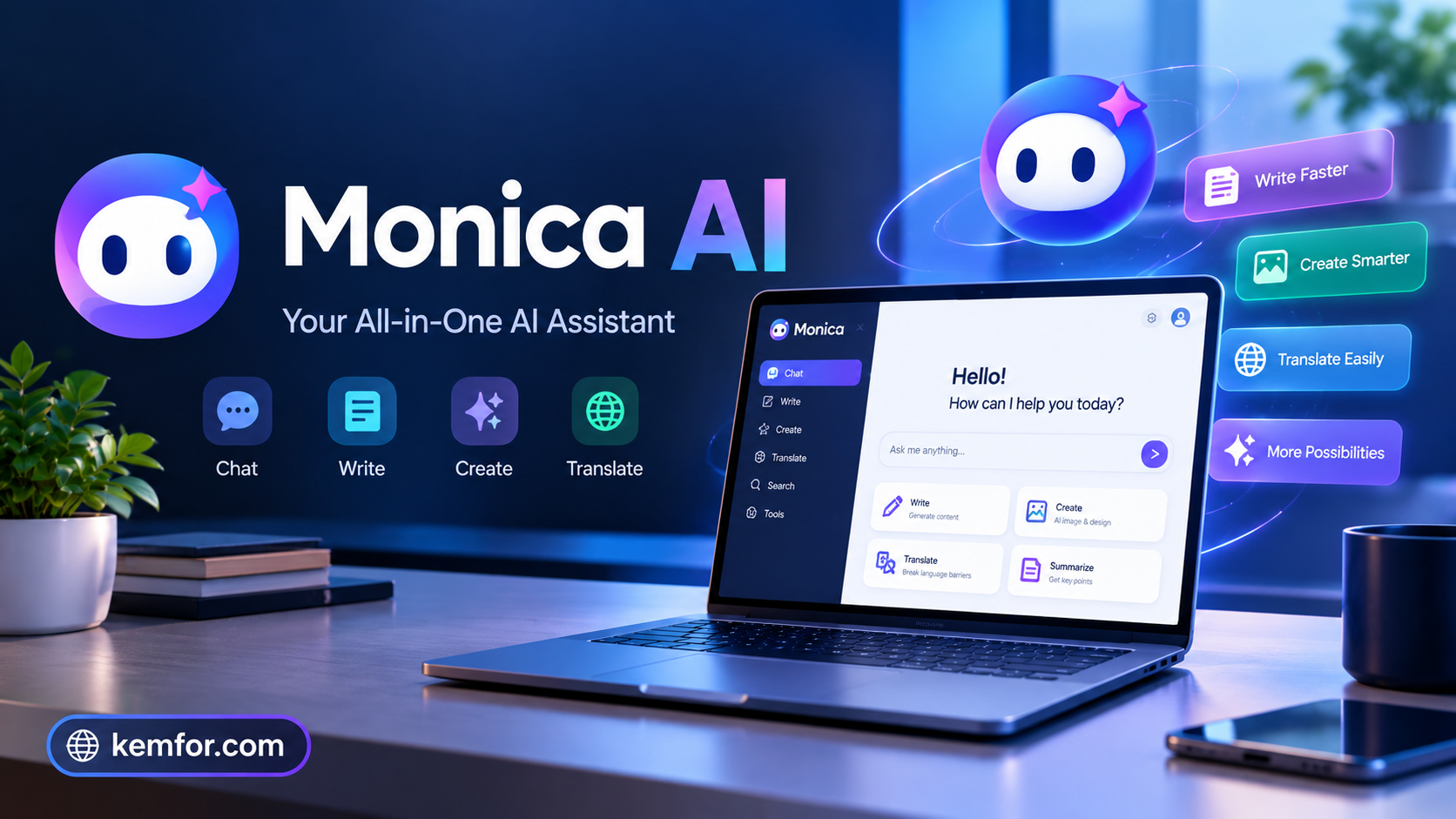
If you’ve spent any time bouncing between ChatGPT, Claude, and Gemini in separate browser tabs, you already know the problem Monica AI is trying to solve. Instead of paying for and switching between multiple AI subscriptions, Monica puts several leading AI models into one browser sidebar, desktop app, and mobile app.
It’s marketed as an “all-in-one AI assistant,” and for a lot of everyday tasks — writing, summarizing web pages, translating text, or just asking quick questions — that promise holds up reasonably well. But like any tool, it has trade-offs worth understanding before you commit your time or money.
This guide breaks down what Monica AI actually does, how it works, what it costs, and who it’s genuinely useful for.
What Is Monica AI?
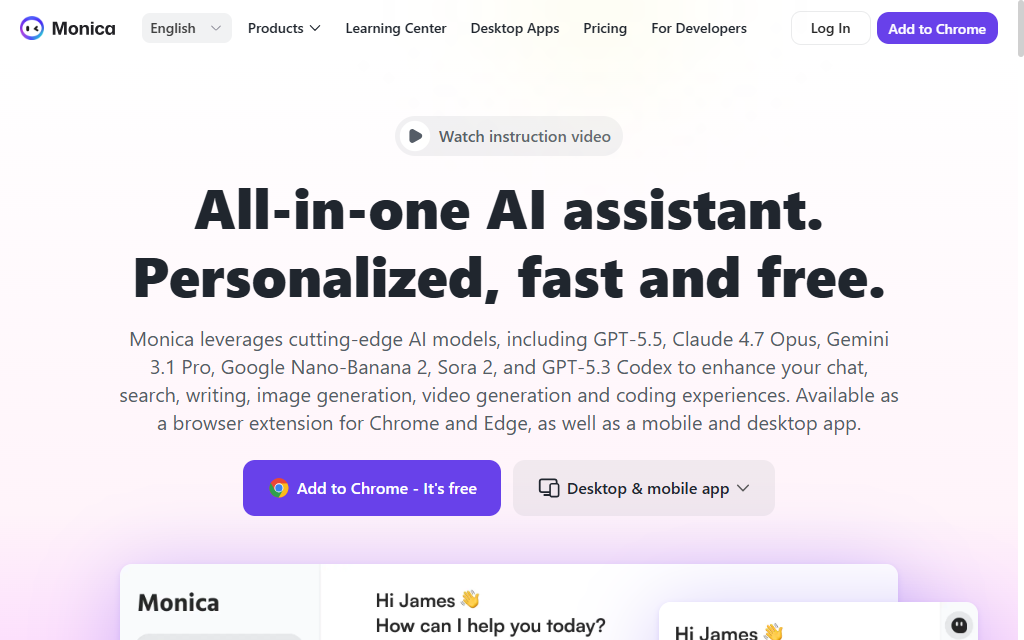
Monica AI is a browser extension and companion app that gives you access to multiple large language models — including versions of GPT, Claude, and Gemini — from a single interface. Rather than being its own standalone AI model, Monica acts as a hub that routes your requests to whichever underlying model fits the task.
Its biggest advantage is context awareness. Because it lives in a sidebar next to whatever page you’re browsing, Monica can read the content in front of you and summarize an article, translate a webpage, rewrite an email, or explain a document — all without you needing to copy and paste anything.
Beyond the core chat assistant, Monica also bundles a collection of smaller tools: an AI writing assistant, a no-code bot builder for saving reusable prompts, image generation, and various one-off utilities like watermark removal or format converters.
How Does Monica AI Work?
At a basic level, Monica works like this:
- You install the browser extension (Chrome, Edge, or similar) or open the web/desktop/mobile app.
- A sidebar or chat window appears, which you can trigger with a keyboard shortcut or by right-clicking on selected text.
- You type a question, paste text, or simply ask Monica to work with whatever is on the current page.
- Monica routes your request to one of its connected AI models — you can often choose which one, depending on your plan.
- The response appears in the sidebar, and you can copy it, refine it with a follow-up prompt, or insert it directly into an email, document, or form field.
This “in-context” workflow is what sets Monica apart from simply opening a separate AI chat tab. You stay on the page you’re working on, and the assistant works around your existing content.
Key Features of Monica AI
Here are the features that matter most to everyday users:
- Multi-model access: Switch between different AI models (such as GPT, Claude, and Gemini variants) depending on the task, instead of subscribing to each one individually.
- Web page summarization: Get a quick summary of long articles, PDFs, or YouTube videos without reading or watching the whole thing.
- AI writing assistant: Draft, rewrite, proofread, or adjust the tone of emails, social posts, and documents directly in text fields across the web.
- Translation: Translate selected text or entire web pages on the fly.
- Custom bots and prompt templates: Save frequently used prompts or build simple no-code bots for repeatable tasks.
- Image generation: Create AI images from text prompts within the same interface.
- Cross-platform availability: Use Monica through a browser extension, a web app, a desktop app, and mobile apps, with your chat history generally syncing across devices.
- Search integration: Get AI-generated answers alongside or instead of traditional search results, depending on your setup.
For beginners, the summarization and writing tools tend to be the most immediately useful. For more advanced users, the ability to switch models mid-task and build reusable bots adds real efficiency.
How to Use Monica AI
If you’re trying Monica AI for the first time, here’s a simple step-by-step path:
- Sign up. Create a free account on Monica’s official website or install the browser extension directly from your browser’s extension store.
- Set your preferences. Choose your default language and, if available, your preferred AI model for general tasks.
- Try the sidebar. Open any article or webpage, click the Monica icon, and ask it to summarize the page — this is the fastest way to see the tool in action.
- Test the writing assistant. Click into an email or a text box on a site you use often, and see how Monica’s inline suggestions work.
- Explore specialized tools. Check the dashboard for extras like image generation, document analysis, or translation, depending on what you need.
- Upgrade if needed. If you find yourself hitting daily usage limits on the free plan, review the paid tiers to see which one matches how often you use it.
Most people can get a feel for whether Monica fits their workflow within the first day of casual use.
Monica AI Pricing and Plans
Monica AI uses a freemium, credit-based pricing model. Free users get limited daily queries with basic models, while paid tiers unlock higher usage caps, priority access to advanced models, and additional features.
Based on recent pricing information, the general structure looks like this:
- Free Plan: $0/month — limited daily queries, access to lightweight models, basic chat, translation, and summarization.
- Pro Plan: Roughly $9–10/month (often cheaper when billed annually) — a larger daily query allowance, a monthly pool of advanced-model credits, multi-model access, and unlimited web/PDF/video summarization.
- Higher tiers (Pro+/Max): Priced higher than Pro, these plans raise the daily and monthly credit limits further and give priority access during high-traffic periods.
Keep in mind that AI tool pricing changes fairly often as providers adjust credit limits and add new models. Always check Monica’s official pricing page for the current rates and plan details before subscribing, since the numbers above may shift over time.
Pros and Cons
| Pros | Cons |
|---|---|
| Access to multiple AI models under one subscription | Credit-based system can be confusing to track |
| Convenient in-browser sidebar with page context | Free plan usage limits are fairly restrictive |
| Useful bundle of writing, translation, and summarization tools | Not as deep or specialized as using one model directly |
| Often cheaper than subscribing to multiple AI services separately | Extra bundled features (image tools, generators) vary in quality |
| Cross-platform sync across browser, desktop, and mobile | Some advanced features are gated behind higher-tier plans |
| Good for quick, everyday AI tasks | Power users doing specialized work (like coding) may prefer a dedicated tool |
Who Should Use Monica AI?
Monica AI tends to work best for:
- Students and researchers who want quick summaries of articles, PDFs, and videos while studying.
- Content creators and marketers who need help drafting, translating, or polishing text without leaving their browser.
- Professionals who juggle multiple AI tools and want to consolidate them into one subscription instead of paying for several separately.
- Casual, everyday users who ask AI a few questions a day and don’t need a specialized or heavy-duty assistant.
It’s less ideal for people who need a best-in-class experience for one specific, demanding task — for example, professional software developers doing serious agentic coding work, or researchers who need the absolute latest, most capable version of a single model. In those cases, a dedicated, specialized tool may serve you better than a generalist hub.
Best Alternatives to Monica AI
If Monica doesn’t quite fit your needs, here are a few solid alternatives worth considering:
- ChatGPT (OpenAI): The most widely used AI assistant, with strong general reasoning, plugins, and custom GPTs. Best if you want deep access to one consistently updated model rather than multiple models in one place.
- Claude (Anthropic): Known for careful, thoughtful responses and strong performance on writing, analysis, and coding tasks. A good pick if you value nuanced, well-structured answers.
- Google Gemini: Tightly integrated with Google’s ecosystem (Docs, Gmail, Search), making it convenient if you already rely heavily on Google products.
- Perplexity AI: Focused on AI-powered search and research, with strong citation and source-tracking features — useful for fact-checking and research-heavy work.
- Merlin AI or similar browser assistants: Other multi-model browser extensions that offer a comparable sidebar experience, worth comparing on pricing and model selection.
Each of these has its own strengths, so the right choice depends on whether you value breadth (many models in one place) or depth (mastery of a single model’s capabilities).
Is Monica AI Safe to Use?
Monica AI is a legitimate, widely reviewed product with a large user base, and it isn’t flagged as inherently unsafe. That said, a few general precautions apply, as they would with any browser extension or AI tool:
- Data handling: Since Monica reads page content to provide contextual help, avoid using it on pages containing highly sensitive personal, financial, or confidential business information unless you’ve reviewed its privacy policy and are comfortable with how that data is processed.
- Browser permissions: Like any extension, Monica requests certain browser permissions to function. It’s good practice to periodically review which extensions you have installed and what access they have.
- AI-generated content accuracy: As with any AI assistant, responses can occasionally be inaccurate or outdated. Double-check important facts, especially for professional or academic work.
Overall, using Monica responsibly — reviewing its privacy policy, being mindful of what content you share with it, and fact-checking important outputs — is a reasonable approach, similar to how you’d treat any other AI tool.
Frequently Asked Questions (FAQs)
1. Is Monica AI free to use? Yes. Monica offers a free plan with limited daily queries and access to basic models. Paid plans unlock higher limits and more advanced models.
2. Which AI models does Monica AI support? Monica typically offers access to models from providers like OpenAI (GPT), Anthropic (Claude), and Google (Gemini), though exact availability depends on your plan.
3. Does Monica AI work on mobile devices? Yes, Monica offers mobile apps in addition to its browser extension and desktop app, with chat history generally syncing across devices.
4. Can Monica AI summarize PDFs and YouTube videos? Yes, summarizing PDFs, web articles, and videos is one of its core features, though unlimited summarization is usually reserved for paid plans.
5. Is Monica AI better than ChatGPT? It depends on your needs. Monica offers access to multiple models in one place, which can be more cost-effective, but ChatGPT offers deeper integration and consistency within OpenAI’s own ecosystem.
6. Does Monica AI store my data? Monica processes the content you interact with in order to generate responses. For specifics on data retention and privacy, check Monica’s official privacy policy, as practices can change over time.
7. Is there a free trial for paid plans? Free trial availability has varied across Monica’s pricing history. Check the official pricing page for the most current trial and refund policies.
Monica AI succeeds at what it sets out to do: bundling multiple AI models and everyday productivity tools into one convenient browser-based package. For students, marketers, and casual users who want quick summaries, translations, and writing help without juggling several subscriptions, it’s a genuinely useful and often cost-effective option.
It’s not the right fit for everyone, though. If you need the absolute best performance from a single specialized model — particularly for serious coding or deep research work — a dedicated tool may serve you better than a generalist hub. And the credit-based pricing system takes a little getting used to.
If breadth, convenience, and value are what you’re after, Monica AI is worth trying, starting with its free plan before deciding whether a paid tier makes sense for how you actually use AI day to day.
Artifacts
Taskade ai guide
Document·MD
Taskade featured image
Image·SVG