If you’ve ever wished you could listen to an article, a PDF, or a textbook chapter instead of reading it, you’ve probably come across Speechify. What started as a simple reading tool for people with dyslexia has grown into one of the most widely used AI audio platforms on the market.
This guide walks through what Speechify AI actually does, how it works, what it costs, and whether it’s worth adding to your toolkit — whether you’re a student, a content creator, or a busy professional trying to get through your reading list.
What Is Speechify AI?
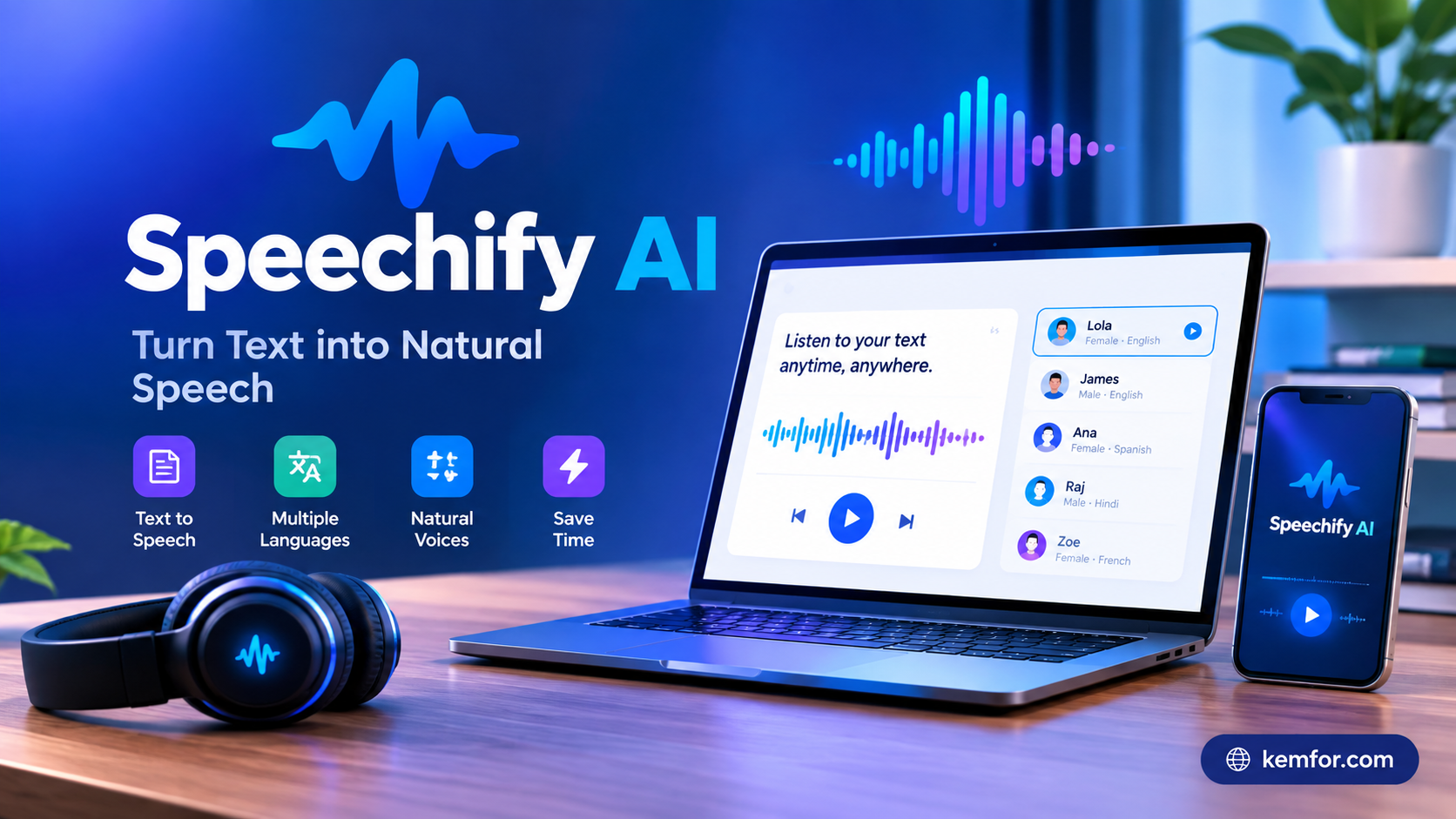
Speechify is an AI-powered text-to-speech (TTS) platform that converts written content into natural-sounding spoken audio. Instead of reading an article, ebook, or work document with your eyes, Speechify reads it to you, using AI voices that sound close to human speech rather than the robotic voices you might remember from older screen readers.
The tool was originally built to help people with dyslexia, ADHD, and other reading challenges consume information more easily. Over time, it has expanded well beyond that original goal. Today, Speechify also offers voice cloning, AI dubbing, voice typing, and AI-generated summaries, turning it into a broader audio production suite rather than just a “read it to me” app.
You can feed Speechify almost anything:
- PDFs and scanned documents
- Web articles and blog posts
- Emails
- Google Docs, Word, and Excel files
- EPUB ebooks
- Photos of printed pages, using the camera on your phone
Once your content is loaded, Speechify plays it back through one of its AI voices, and you can follow along as it highlights each word in real time.
How Speechify Works
Using Speechify is straightforward, which is part of why it has become so popular with non-technical users. The basic workflow looks like this:
- Import your content. Paste text, upload a file, share a link, or scan a physical page using the mobile app’s camera.
- Choose a voice and language. Speechify offers a large library of AI voices across dozens of languages and accents.
- Set your playback speed. You can slow things down for tricky material or speed up to move through familiar content quickly.
- Listen, and follow the highlighted text. As the audio plays, Speechify highlights each word on screen, which helps with focus and reading comprehension.
Because the app works across mobile, desktop, and browser, you can start listening to an article on your laptop and pick it up later on your phone during a commute.
Optical Character Recognition (OCR)
One of Speechify’s more practical features is its OCR scanning. Point your phone camera at a printed page — a textbook, a handout, a menu, whatever it is — and Speechify will recognize the text and read it aloud. This is especially useful for students working through physical textbooks or anyone dealing with printed material that isn’t available digitally.
Key Features of Speechify AI
Natural-Sounding AI Voices
Speechify’s voice library is one of its biggest selling points. The platform offers a large catalog of AI voices, with premium plans unlocking access to over a thousand voice options across more than 60 languages. Compared to the flat, mechanical text-to-speech voices many people grew up with, Speechify’s voices sound noticeably more natural and expressive.
Adjustable Reading Speed
Speed control is central to how people actually use Speechify. Many users listen at two, three, or even four times normal speaking speed once they’re used to it — a habit that lets you get through long documents in a fraction of the time it would take to read them the traditional way.
Voice Cloning
Speechify also lets users create a digital clone of their own voice. This is useful for content creators who want to generate narration in their own voice without recording every line manually, or for anyone producing voiceovers at scale. Given the sensitivity of voice cloning technology, Speechify has added identity verification safeguards to reduce the risk of misuse.
AI Dubbing and Translation
For video creators, Speechify’s dubbing tools can translate spoken audio into another language while keeping the tone and pacing close to the original. Some versions of this feature also work to sync mouth movements in video to the newly dubbed audio, which is a notable step up from basic subtitle translation.
AI Summaries and Study Tools
Speechify has leaned into the education market with features like chapter summaries and quiz generation. After finishing a section of a textbook, the app can generate a short audio summary and even quiz you verbally on what you just covered — a handy way to reinforce learning without extra manual work.
Voice Typing and Dictation
Newer versions of Speechify bundle in basic voice typing, letting you dictate text instead of typing it. It’s worth noting this is fairly simple transcription rather than a full dictation suite — it doesn’t include advanced features like automatic punctuation or grammar cleanup that dedicated dictation tools offer.
Cross-Platform Sync
Whatever device you’re using, Speechify keeps your library and progress synced. Start an audiobook on your phone, switch to your laptop, and pick up exactly where you left off.
Who Is Speechify Best For?
Speechify serves a wide range of users, but a few groups get the most value out of it.
Students
Speechify is genuinely popular in classrooms and among self-study learners. Students use it to get through dense reading assignments faster, to listen to textbook chapters while commuting, and to reinforce comprehension through the combination of audio and text highlighting.
People With Reading Differences
For users with dyslexia, ADHD, or low vision, Speechify’s bimodal approach — hearing and seeing text at the same time — can make reading feel far less exhausting. This is the audience the app was originally designed for, and it remains a core strength.
Content Creators
YouTubers, podcasters, and video editors use Speechify’s voice cloning and dubbing tools to produce voiceovers and translated content without hiring voice actors for every project.
Busy Professionals
If your job involves reading long reports, research papers, or lengthy emails, Speechify lets you “read” through listening instead — while commuting, exercising, or doing chores.
Speechify Pricing: Free vs. Premium
Speechify offers both a free plan and a paid Premium tier.
Free Plan
- Around 10 standard AI voices
- Listening speed capped at roughly 1.5x
- Basic text-to-speech, along with AI summaries and chat
- Integrations with Google Drive, Dropbox, and OneDrive
Premium Plan
- Access to 1,000+ high-quality AI voices
- Listening speeds up to 4.5x–5x
- Voice typing and dictation
- Podcast production tools
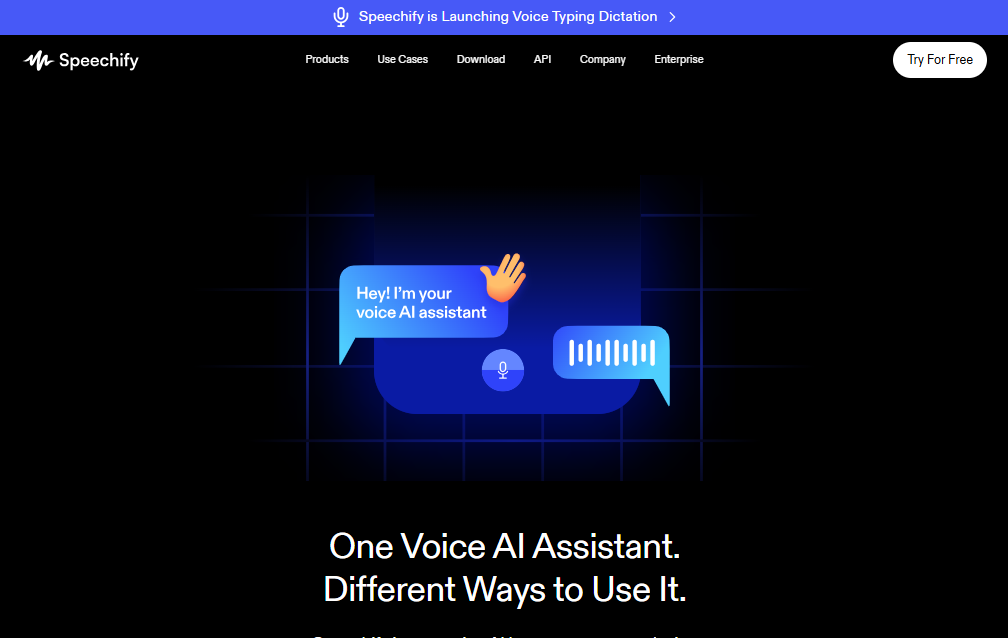
- A built-in voice AI assistant
- Support for 60+ languages
- Offline listening
- All free plan features included
Premium pricing is typically billed as a monthly or annual subscription, with the annual plan working out cheaper per month. As with most subscription software, it’s worth checking Speechify’s official pricing page before committing, since plans and pricing can shift over time.
Speechify Pros and Cons
What works well:
- Natural, human-like voice quality compared to older TTS tools
- Wide format support — PDFs, ebooks, web pages, emails, and scanned documents
- Word-by-word highlighting that genuinely helps with focus and retention
- Strong cross-platform experience between mobile, desktop, and browser
- Useful extras like AI summaries, quizzes, and dubbing that go beyond basic text-to-speech
Where it falls short:
- Premium pricing is higher than several competing apps, which can be a barrier for individual users or those in lower-income regions
- Voice typing is fairly basic compared to dedicated dictation software
- Some users report slow or unhelpful customer support responses
- The free plan is limited enough that most people will eventually want Premium to get real value
Speechify vs. Alternatives
Speechify isn’t the only AI voice tool on the market. Tools like ElevenLabs focus more narrowly on high-end voice generation and cloning for creators, while browser-based free extensions can handle simple “read this webpage aloud” tasks without any subscription.
Where Speechify tends to stand out is breadth. Few competitors match its combination of format support, OCR scanning, cross-device sync, and add-on features like summaries and dubbing in a single app. If you only need to occasionally listen to a web article, a free browser extension might be enough. If you want a full reading and audio production workflow, Speechify’s broader feature set is harder to match.
Is Speechify AI Worth It?
Whether Speechify is worth paying for really depends on how you plan to use it.
If you’re a student working through heavy reading loads, someone who struggles with traditional reading, or a professional who wants to reclaim time spent reading reports and emails, the Premium plan’s speed and voice quality can genuinely change how much content you get through in a day.
If your needs are lighter — say, occasionally listening to a saved article — the free plan or a basic browser extension will likely cover it without any cost.
Final Thoughts
Speechify has grown from a niche accessibility tool into a full-featured AI audio platform used by millions of students, professionals, and creators. Its combination of natural voices, wide format support, and thoughtful extras like AI summaries and dubbing make it one of the more complete text-to-speech tools available today.
It isn’t the cheapest option out there, and some of its newer features — like voice typing — are still catching up to more specialized tools. But for anyone who spends hours reading every day and wants an easier way to absorb that information, Speechify remains one of the strongest choices in the AI text-to-speech space.