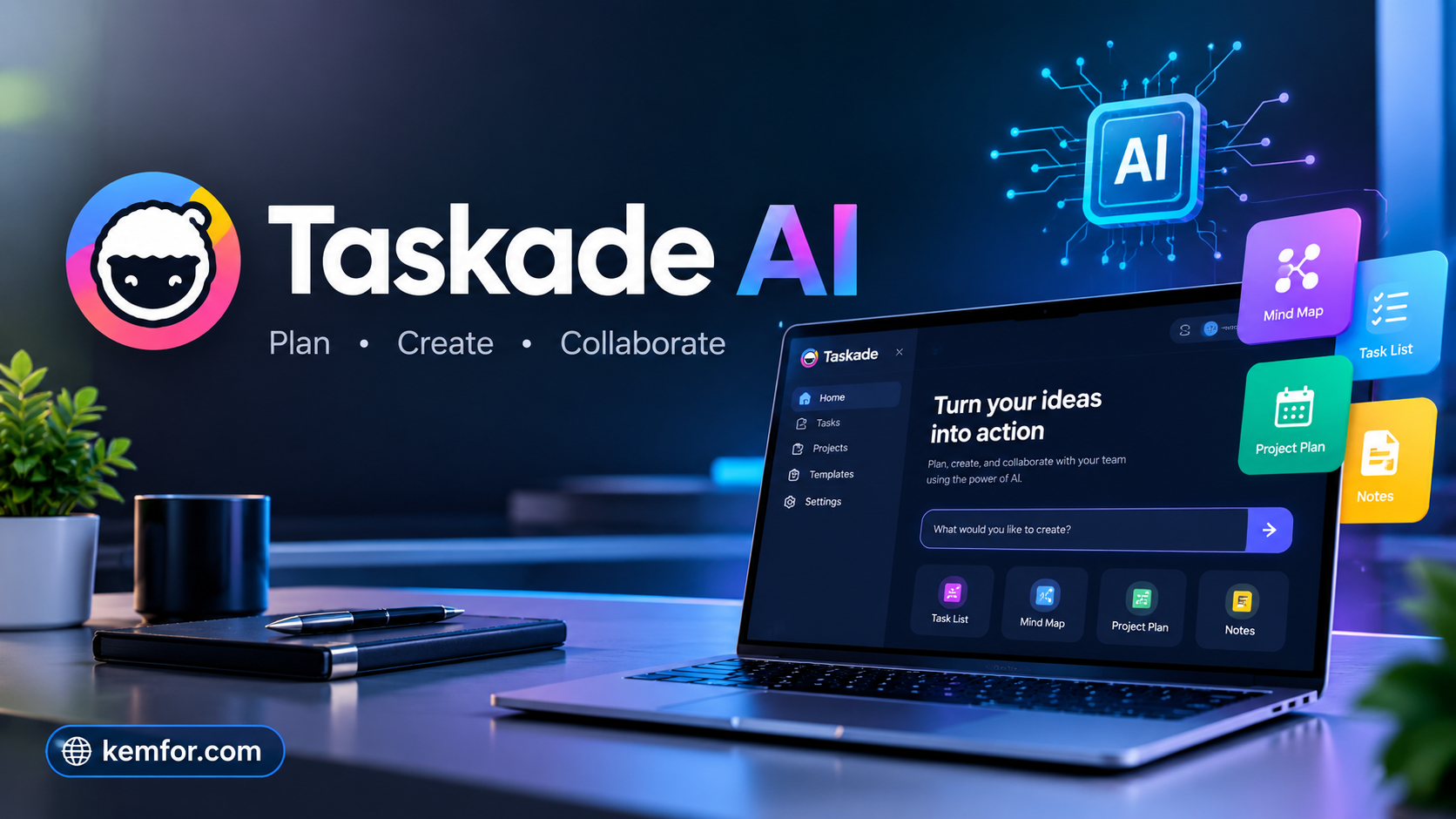
If you’ve ever juggled five different apps just to plan a project — one for tasks, another for notes, a third for chat, and a spreadsheet somewhere in between — you already know how messy “productivity” can get. Taskade AI was built to solve exactly that problem.
Taskade combines task management, documents, mind maps, and AI agents into a single workspace. Instead of switching between tools, you can plan a project, write notes, and have an AI agent draft content or automate a workflow, all in one place. It’s popular with freelancers, startups, students, and small teams who want something powerful but don’t want the complexity (or cost) of enterprise software like Notion or ClickUp with add-on AI features.
In this guide, we’ll break down what Taskade actually is, how it works, its main features, pricing, and whether it’s worth using in 2026.
What Is Taskade AI?
Taskade is an all-in-one workspace that blends project management with generative AI. At its core, it lets you create projects that can be viewed as to-do lists, kanban boards, mind maps, calendars, or tables — you can switch views without losing any data.
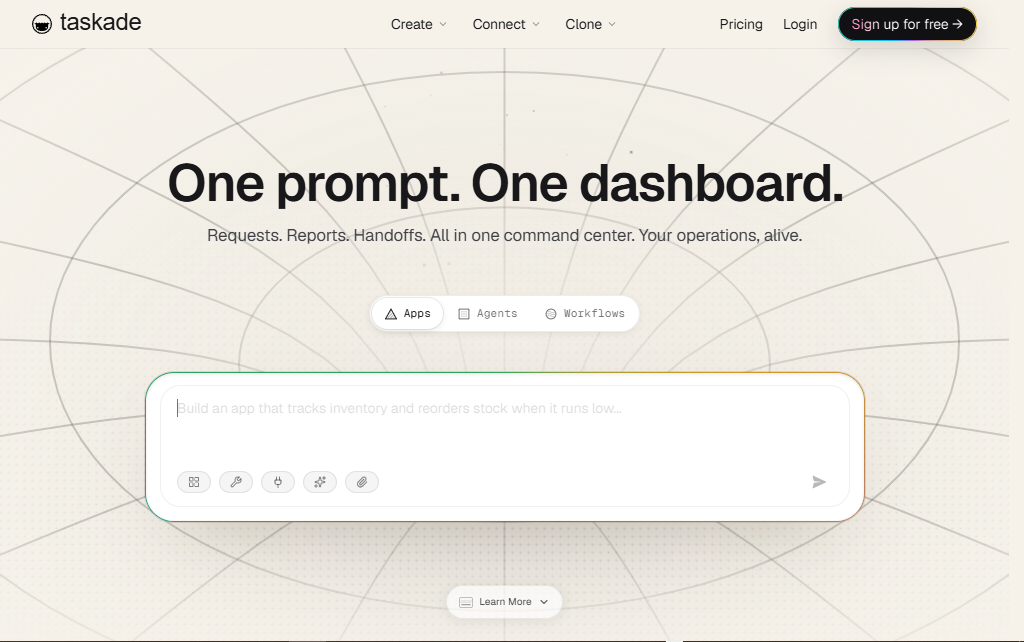
What sets Taskade apart is the AI layer built directly into that workspace. You can chat with AI inside a project, ask it to summarize notes, generate a task list from a rough idea, or build a custom AI agent that performs a specific job, like answering customer questions or drafting weekly reports. Taskade also has a feature called Genesis, which lets users build and publish small AI-powered apps from a simple text prompt, without writing code.
In short, Taskade tries to be part project manager, part note-taking app, and part AI assistant — all wrapped into one subscription instead of three.
How Does Taskade AI Work?
Taskade is organized around workspaces, which contain projects, and each project can hold tasks, notes, or AI conversations depending on how you set it up.
Here’s the general flow:
- You create a workspace — this is your main hub, useful for a business, a team, or a personal set of projects.
- You add projects inside it — each project can be displayed as a list, board, mind map, calendar, or table.
- You bring in AI where it helps — you can ask Taskade’s built-in AI to generate a task list, summarize a document, or answer questions based on your project content.
- You can build or use AI agents — these are configured to handle repeatable jobs, like responding to FAQs, generating reports, or triggering actions in other apps through automation.
- You collaborate in real time — team members can edit documents, comment, assign tasks, and chat, similar to tools like Notion or Trello.
The idea is that instead of copying information between a task manager, a doc editor, and a chatbot, everything lives in the same project, and the AI has context on what you’re working on.
Key Features of Taskade AI
- Multiple project views – Switch between list, kanban board, mind map, calendar, and table views without restructuring your data.
- Built-in AI chat – Ask questions, summarize notes, or generate content directly inside your workspace.
- Custom AI agents – Configure agents with specific instructions and knowledge to handle recurring tasks, such as customer support or research summaries.
- Genesis AI app builder – Describe an idea in plain language and Taskade generates a working AI app or agent from it, without coding.
- Multi-model AI support – Many plans let you tap into different AI models (such as GPT and Claude-based models) rather than locking you into one provider.
- Real-time collaboration – Shared editing, comments, and task assignments for teams working together.
- Templates library – Hundreds of pre-built templates for project planning, content calendars, meeting notes, and more, so you’re not starting from a blank page.
- Automations and integrations – Connect Taskade to other tools (like Google Drive, Slack, or Zapier-supported apps) to move information automatically between systems.
- Cross-platform apps – Available on web, desktop, and mobile, so your projects stay in sync wherever you work.
How to Use Taskade AI
New to Taskade? Here’s a simple, beginner-friendly way to get started:
- Sign up for a free account at Taskade’s website using your email or a Google/Apple account.
- Create your first workspace. Give it a name related to your project, business, or personal goal.
- Add a new project and pick a view that fits how you think — a list for simple to-dos, a mind map for brainstorming, or a board for tracking progress.
- Try the AI chat. Type a request like “create a 5-step content plan for a small bakery” and let Taskade generate a starting draft you can edit.
- Customize an AI agent (optional). If you have a repeatable task, such as answering common questions, set up an agent with instructions and relevant background information.
- Invite teammates. Share the workspace and assign tasks so everyone can see what’s happening in real time.
- Explore templates. Browse the template library if you’d rather adapt an existing structure than build from scratch.
- Connect integrations. Link tools you already use so information flows automatically instead of manual copy-pasting.
Most people can get a working project set up within about 10–15 minutes.
Taskade Pricing and Plans
Taskade generally offers a free plan plus several paid tiers that scale up storage, team size, and monthly AI credits. As of this writing, the typical structure looks like this:
- Free – A limited number of AI credits, one or a few users, and basic access to project views and templates. Good for testing the platform or very light personal use.
- Pro – A low monthly cost aimed at small teams, with a larger monthly AI credit allowance, unlimited AI agents, and access to more AI models.
- Business – A step up in AI credits, storage, and team features like custom domains, white-labeling, and advanced permissions, aimed at growing teams.
- Higher tiers / Enterprise – Designed for larger organizations, with higher AI usage limits, priority support, and options like single sign-on (SSO) for bigger teams.
A few things worth knowing:
- Paid plans are usually billed annually for the lowest monthly rate, with a higher price if you pay month-to-month.
- Pricing is based on AI credits used per month rather than a strict per-seat model, so cost mainly scales with how much AI you actually use.
- The free plan’s AI credits may be a one-time allowance rather than a monthly refill, so heavy AI users will likely need a paid tier fairly quickly.
Because pricing, credit limits, and plan features change fairly often, always check Taskade’s official pricing page for the most current numbers before subscribing.
Pros and Cons
| Pros | Cons |
|---|---|
| Combines tasks, docs, mind maps, and AI in one app | AI usage is capped by credits, which can run out quickly with heavy use |
| Flexible views (list, board, mind map, calendar) without restructuring data | Free plan’s AI credits are limited and often one-time, not monthly |
| Multi-model AI support included in paid plans | Advanced project management features (like Gantt charts) are less developed than dedicated PM tools |
| Genesis app builder lets non-coders create simple AI apps/agents | Learning curve for building custom agents effectively |
| Competitive pricing compared to buying separate tools | Some deeper integrations require higher-tier plans |
| Cross-platform (web, desktop, mobile) | Interface can feel busy at first due to the number of features |
Who Should Use Taskade AI?
Taskade tends to work well for:
- Freelancers and solopreneurs who want project management and an AI assistant without paying for multiple subscriptions.
- Small teams and startups that need lightweight collaboration tools and don’t want the cost or complexity of enterprise software.
- Content creators who use AI to brainstorm, outline, or draft content alongside a content calendar.
- Students and researchers who like mind maps and outlines for organizing information.
- Non-technical users who want to build a simple AI agent or app without writing code, thanks to Genesis.
It may be less ideal for large enterprises that need deep, specialized project management features like detailed resource planning, complex dependencies, or heavy reporting — tools built specifically for that (like Monday.com or Asana at scale) may fit better there.
Best Alternatives to Taskade AI
If Taskade doesn’t quite fit your needs, here are a few solid alternatives:
- Notion – A flexible workspace for docs, databases, and wikis, with AI features available as an add-on. Great for teams who prioritize deep documentation and structured databases over task automation.
- ClickUp – A project management platform with strong reporting, Gantt charts, and dependency tracking, plus an optional AI add-on (ClickUp Brain). Better suited for teams needing detailed project tracking.
- Monday.com – Known for its visual workflow builder and strong automation options, popular with larger teams that need structured processes across departments.
- Trello – A simpler, card-based task manager that’s easier to learn but has fewer built-in AI and document features than Taskade.
- Asana – Focused heavily on task and project tracking with solid reporting tools, often chosen by teams that don’t need an all-in-one AI workspace.
Is Taskade AI Safe to Use?
Taskade follows standard practices you’d expect from a modern SaaS company, including data encryption and account-level access controls, and it offers features like password-protected sharing for sensitive projects. As with any cloud-based tool, it’s worth reviewing Taskade’s privacy policy and terms of service to understand exactly how your data (including anything shared with its AI features) is stored and used, especially if you plan to input confidential business information.
If you’re handling highly sensitive data, it’s good general practice to avoid pasting confidential details into any AI chat feature — Taskade’s included — unless you’ve confirmed the platform’s data-handling policy meets your organization’s requirements.
Overall, Taskade is a legitimate, actively maintained product used by individuals and businesses, and there are no widespread reports suggesting it’s unsafe. As always, use standard precautions: strong passwords, two-factor authentication if available, and careful sharing permissions.
Frequently Asked Questions (FAQs)
Is Taskade free to use? Yes. Taskade offers a free plan with basic access to project views, templates, and a limited amount of AI usage. Paid plans unlock more AI credits, storage, and team features.
Do I need to know how to code to use Taskade’s AI agents? No. Taskade is designed for non-technical users. You can create AI agents and simple apps (through Genesis) using plain language instructions, no coding required.
What AI models does Taskade use? Taskade’s paid plans typically support multiple AI models rather than relying on just one, giving you flexibility depending on the task.
Can I use Taskade for team collaboration? Yes. Taskade supports real-time collaboration, including shared editing, comments, task assignments, and permission controls for teams of different sizes.
Is Taskade good for project management, or is it mainly an AI tool? It’s both. Taskade started as a task and project management tool and later added AI features, so it works as a genuine project management app with AI capabilities layered on top, not just an AI chatbot.
How does Taskade pricing compare to Notion or ClickUp? Taskade generally positions itself as more affordable for small teams, especially since AI usage is often included in paid plans rather than sold as a separate add-on, unlike some competitors.
Can Taskade replace multiple apps I’m currently using? For many small teams and individuals, yes — it can replace separate task management, note-taking, and basic AI chatbot tools. Larger teams with complex project needs may still want a dedicated project management platform.
Final Verdict
Taskade AI is a genuinely useful all-in-one workspace for people who want project management, documentation, and AI assistance without paying for three separate subscriptions. Its flexible views, built-in AI chat, and no-code agent builder make it approachable for beginners while still offering enough depth for small teams and growing businesses.
It’s not the most specialized tool for deep enterprise project management, and its AI credit system means heavy users will need to budget for a paid plan fairly quickly. But for freelancers, startups, content creators, and small teams looking for a flexible, AI-powered workspace at a reasonable price, Taskade is well worth trying. Start with the free plan, see how the AI features fit your workflow, and upgrade only once you know exactly what you need.