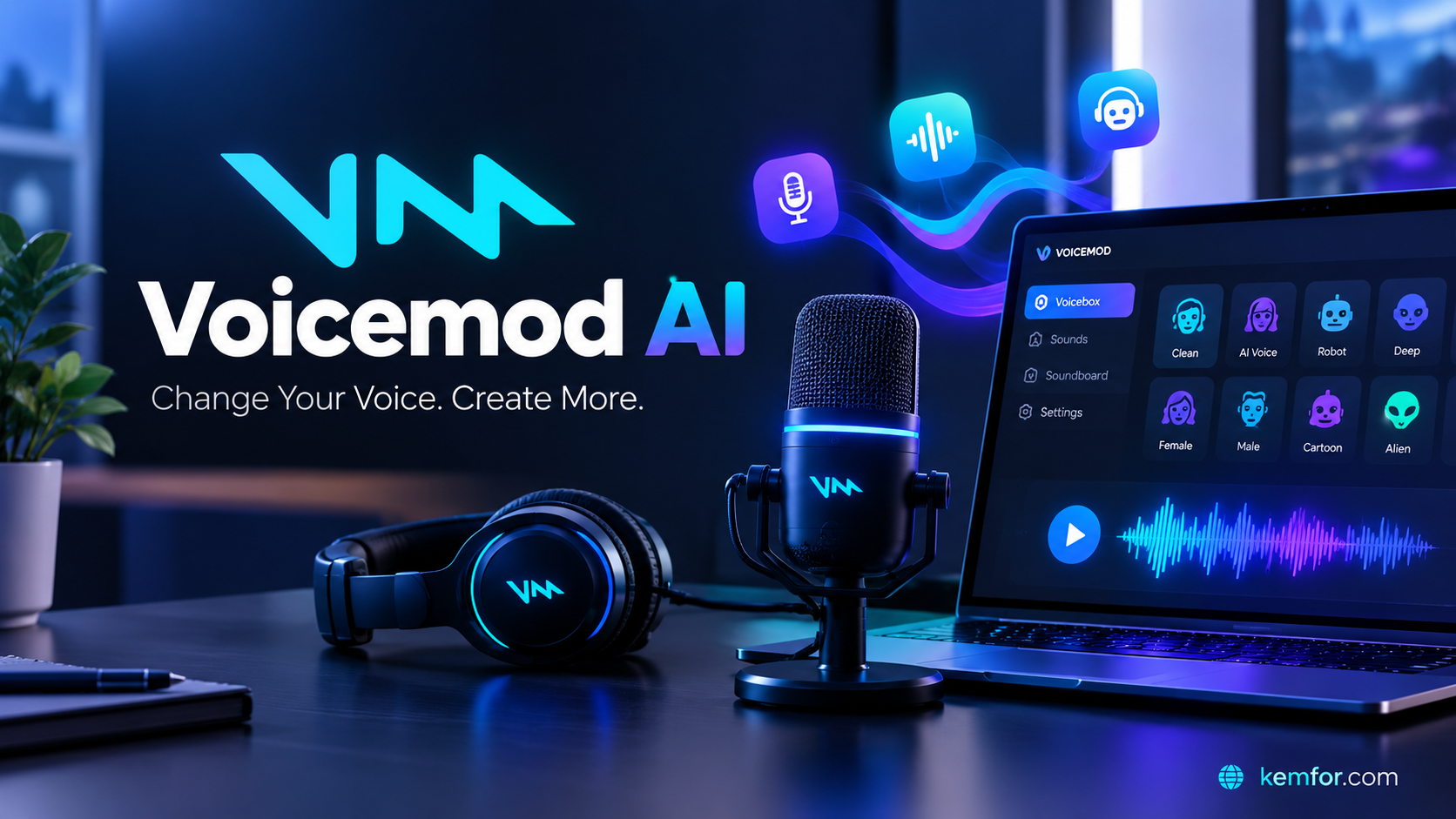
If you’ve ever watched a Twitch streamer switch instantly from their normal voice to a robotic alien mid-sentence, there’s a good chance Voicemod was running in the background. Voicemod AI is one of the most popular real-time voice changers on the market, and it has become a staple tool for gamers, streamers, and Discord communities who want to add personality to their voice chats.
But is it actually worth downloading, and how does its AI voice technology hold up in 2026? This guide breaks down what Voicemod does, how it works, its main features, pricing, and who it’s really built for.
What Is Voicemod AI?
Voicemod is a real-time AI voice changer and soundboard application for desktop. Instead of editing a recording after the fact, it transforms your voice live, as you speak, and sends the modified audio into whatever app you’re using.
That means your voice can sound like a robot, a demon, a cartoon character, or a completely different person while you’re actually talking in Discord, playing a game, or hosting a livestream. The transformation happens in milliseconds, which is what separates Voicemod from typical audio editing software.
At its core, Voicemod combines three things:
- A voice changer with a large library of preset voices and effects
- A soundboard for triggering sound effects and audio clips on the fly
- VoiceLab, a tool for building and customizing your own unique voices
It’s available on Windows and macOS, and the company has also rolled out companion mobile apps for iOS and Android, which let users record voice-changed clips, browse the soundboard, and remotely control the desktop app.

How Does Voicemod Work?
Understanding how Voicemod works helps explain why it’s so widely used compared to other voice-editing tools.
When you install Voicemod, it creates a virtual microphone on your computer. This virtual device sits between your real microphone and any application you’re using. Here’s the basic flow:
- You speak into your actual microphone.
- Voicemod captures that audio and applies your chosen voice effect using a mix of AI models, pitch shifting, and audio filters.
- The transformed audio is routed through the virtual microphone.
- Inside Discord, OBS, Zoom, or your game of choice, you simply select “Voicemod Virtual Audio Device” as your input, and everyone hears the modified version of your voice.
Because everything happens through this virtual audio layer, Voicemod works with almost any application that accepts a microphone input, without needing special plugins for each one.
Key Features of Voicemod AI
Real-Time Voice Changer
The headline feature is exactly what the name suggests: real-time voice transformation. Voicemod offers a large catalog of preset voices, well over 200 at this point, ranging from silly effects like Chipmunk and Robot to deeper, more cinematic options and AI-generated character voices. Many of these voices also let you tweak parameters like pitch and resonance, so you’re not stuck with a one-size-fits-all effect.
For casual users, this preset library is really the whole appeal. You pick a voice, click it, and start talking differently in seconds, no technical setup required.
VoiceLab: Custom Voice Creation
For users who want more than the built-in presets, VoiceLab is Voicemod’s tool for designing custom voices. It lets you layer and adjust different audio parameters to build a voice that’s uniquely yours, which is especially popular among Vtubers and streamers who want a signature sound that no one else has.
Soundboard and Keybinds
Voicemod isn’t just about changing your voice, it also functions as a soundboard. You can load sound effects, memes, and audio clips, then trigger them instantly using custom keyboard shortcuts while you’re gaming or streaming. This is a favorite feature for content creators who like to punctuate their commentary with sound bites.
Noise Suppression and Voice Cleanup
Alongside the fun effects, Voicemod includes practical audio tools like background noise suppression. This helps clean up your microphone signal even when you’re not using a voice effect at all, which is handy for video calls or recordings in noisy environments.
Broad App Compatibility
Because Voicemod works through a virtual microphone, it integrates smoothly with:
- Discord
- Zoom and Microsoft Teams
- OBS and Streamlabs
- Twitch and other streaming platforms
- Popular games like Fortnite, Valorant, Minecraft, and Roblox
- VRChat, a favorite among the Vtuber and virtual avatar community
Voicemod Pricing: Free vs. Pro
Voicemod uses a freemium model, so you can try it before committing to a paid plan.
Free Plan The free version gives you access to a rotating selection of voices each day, limited soundboard slots, and core voice modulation with noise suppression. It’s enough to get a feel for the app, but you won’t get the full voice library or custom voice tools.
Pro Plan The paid tier unlocks the entire voice library, full access to VoiceLab for custom voices, unlimited soundboard slots, and additional premium features. Pricing is typically structured as a monthly or annual subscription, with Voicemod also periodically offering a one-time lifetime license as an alternative to ongoing subscription fees. This lifetime option is relatively rare in the AI voice-tool space and tends to appeal to long-term streamers and gamers who don’t want a recurring bill.
Because pricing and promotions shift over time, it’s worth checking Voicemod’s official site directly for the current rates before purchasing.
Pros and Cons of Voicemod AI
Pros
- Genuinely low-latency, real-time voice changing, not a post-processing effect
- Large, varied voice library with both goofy and more realistic options
- Works across nearly any app through the virtual microphone system
- Soundboard and keybind support add real value for streamers
- VoiceLab allows for a custom, personalized voice
- Beginner-friendly setup with no technical audio knowledge required
- Lifetime license option offers long-term savings compared to subscriptions
Cons
- The free tier is fairly limited, and the best features sit behind Pro
- It’s a desktop-first tool, so live voice changing isn’t available on mobile
- Not built for full song or music production, despite offering some short meme-style audio features
- Voice realism can vary depending on the effect, some sound more convincing than others
- Requires installing a virtual audio driver, which some users prefer to avoid
Who Should Use Voicemod?
Voicemod is best suited for people who want to have fun with their voice in live, interactive settings rather than produce polished, studio-quality audio content.
Gamers and Discord users get the most everyday value, using character voices to add humor to voice chat during matches.
Streamers and content creators benefit from the combination of voice changing and soundboard triggers, which can become a signature part of their channel’s personality.
Vtubers and VRChat users often rely on VoiceLab to build a consistent custom voice that matches their avatar.
Podcasters or call hosts may find the noise suppression and basic voice cleanup useful even without using the more playful effects.
On the other hand, if your goal is professional voiceover work, audiobook narration, or generating complete AI-sung tracks, Voicemod isn’t really designed for that. It excels at real-time, performance-based voice transformation rather than studio production.
Voicemod vs. Other AI Voice Tools
It’s worth understanding where Voicemod fits compared to other tools in the AI voice space:
- Voicemod vs. ElevenLabs: ElevenLabs focuses on generating high-quality, pre-recorded voice audio and text-to-speech, ideal for narration or voiceover projects. Voicemod, by contrast, is built specifically for live, real-time voice changing during calls, games, and streams.
- Voicemod vs. dedicated voice-cloning tools: Some competitors emphasize highly accurate voice cloning for professional use. Voicemod leans more toward entertainment and live performance, prioritizing speed and fun over studio-grade vocal replication.
If you need a tool for recording finished audio content, a text-to-speech or voice-cloning platform may serve you better. If you want to transform your voice while you talk, live, Voicemod remains one of the strongest options available.
Is Voicemod Safe to Use?
Voicemod is a legitimate, well-established application rather than anything sketchy. The main thing to be aware of is that it installs a virtual audio driver on your system, which is a normal and expected part of how the software functions, since it needs to intercept and modify your microphone signal before it reaches other apps. As with any software, it’s best to download it only from the official Voicemod website to avoid fake or modified installers.
Final Verdict: Is Voicemod Worth It?
Voicemod earns its reputation as one of the go-to real-time voice changers for gaming and streaming communities. Its strengths are clear: low-latency performance, a large and entertaining voice library, solid app compatibility, and useful extras like the soundboard and VoiceLab.
It’s not trying to be a professional audio production suite, and it shouldn’t be judged as one. For its actual purpose, adding fun, character, and personality to live voice chats, streams, and gaming sessions, it does its job well and remains beginner-friendly enough for anyone to pick up in minutes.
If you spend time in Discord, stream on Twitch, or create content where a bit of vocal personality goes a long way, Voicemod is well worth trying, starting with the free version before deciding whether the Pro upgrade fits your needs.
Frequently Asked Questions
Is Voicemod free to use? Yes, Voicemod offers a free plan with a rotating selection of voices and limited features. A Pro subscription or lifetime license unlocks the full voice library and additional tools.
Does Voicemod work with Discord? Yes, Voicemod integrates with Discord by routing audio through its virtual microphone, which you select as your input device in Discord’s voice settings.
Can I use Voicemod on mobile? Voicemod has mobile apps for iOS and Android, but live, real-time voice changing during calls or games is currently a desktop-only feature. The mobile apps are mainly used for recording clips and controlling the desktop app remotely.
Is Voicemod good for professional voiceover work? Not really. Voicemod is optimized for real-time entertainment use rather than studio-quality voiceover or narration, where dedicated text-to-speech or voice-cloning tools are usually a better fit.