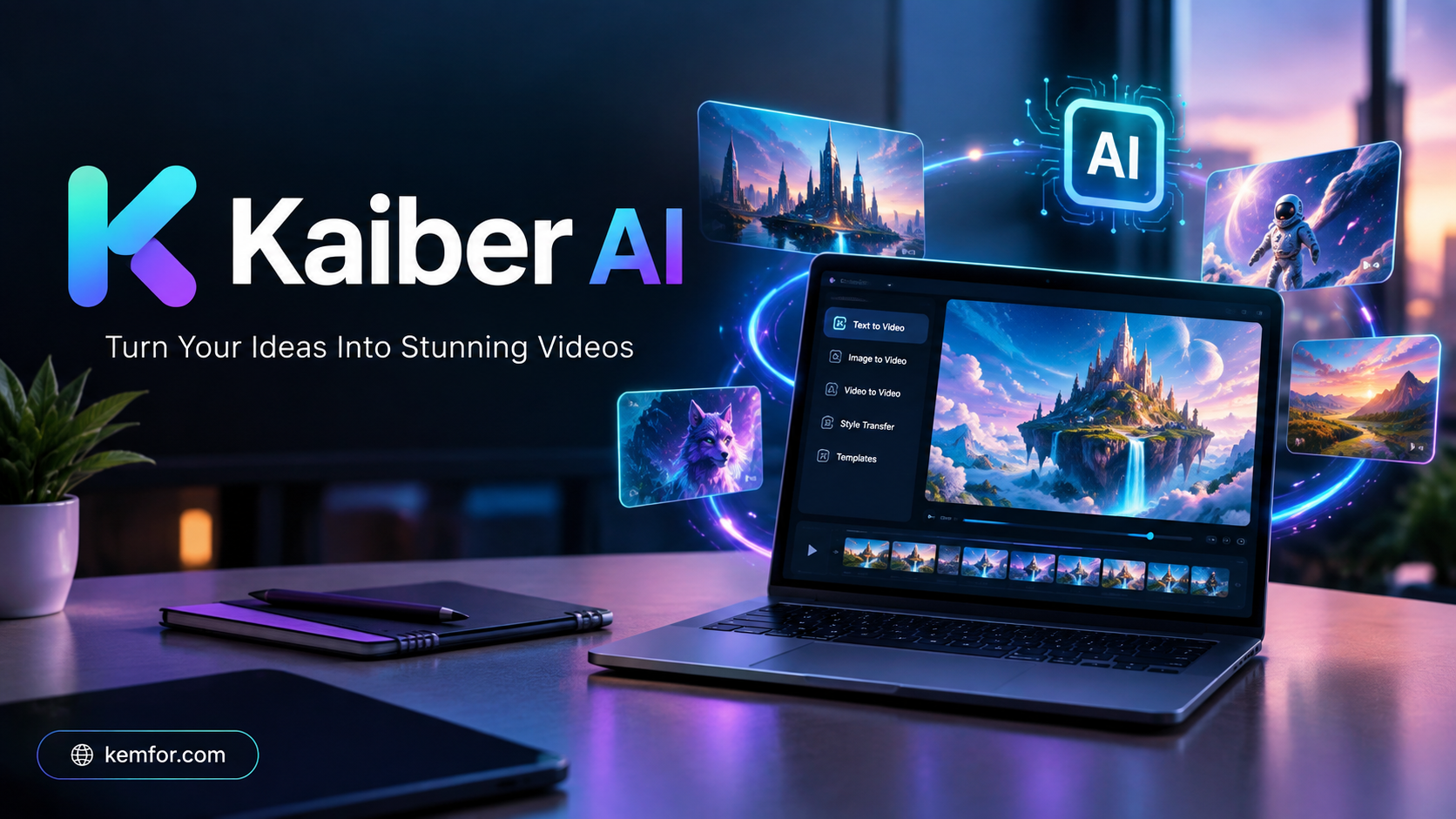
If you’ve spent any time browsing AI-generated music videos or dreamy, surreal animations on social media, there’s a good chance Kaiber AI was behind at least a few of them. Kaiber has carved out a distinct niche in the crowded world of AI video generators: instead of chasing photorealism like some competitors, it leans into artistic, audio-reactive, and stylized visuals that feel closer to music videos and digital art than corporate marketing clips.
Musicians, visual artists, content creators, and even hobbyists use Kaiber to turn a single image, a short text prompt, or a song into a fully animated video. What makes it stand out is its audioreactivity feature — the ability to sync visuals directly to the beat and mood of a music track — something very few AI video tools handle well.
This guide walks through everything you need to know about Kaiber AI: what it is, how it works, its key features, pricing, pros and cons, who it’s best suited for, and some solid alternatives if it’s not quite the right fit.
What Is Kaiber AI?
Kaiber AI is a generative AI platform that creates videos, animations, and visual content from text prompts, images, or existing video and audio files. It’s built around a creative workspace (often called “Superstudio”) that acts like an infinite canvas, letting users generate, remix, and combine different AI models in one place.
Rather than being a single AI model, Kaiber works more like a hub. It gives users access to multiple underlying video generation models — including well-known names in the AI video space — through one unified interface. This means you don’t need separate subscriptions to experiment with different visual styles or generation engines.
Kaiber is especially popular among:
- Independent musicians creating music videos or visualizers
- Digital artists exploring generative and abstract animation
- Content creators making short-form video for social platforms
- Hobbyists experimenting with AI-driven storytelling
How Does Kaiber AI Work?
At a basic level, Kaiber turns your input — text, an image, a video clip, or an audio track — into a new piece of animated visual content using AI models trained to generate and transform video frames.
Here’s the general workflow:
- You provide an input. This could be a written prompt describing a scene, an uploaded photo or artwork, an existing video clip, or a song file.
- You choose a generation mode. Kaiber offers different creation paths depending on your starting point — generating from a prompt, animating an image, transforming a video, or reacting to audio.
- The AI processes your input. Kaiber’s models interpret your prompt or source material and generate new video frames that match the style, motion, and mood you’ve requested.
- You review and refine. Generated clips use “credits,” and you can regenerate, adjust prompts, or tweak settings until you get a result you like.
- You export your video. Once you’re happy with the output, you can download it, upscale it to higher resolution, or continue building on it within the canvas.
The whole system is designed so that non-technical users can create AI video without needing any editing or animation background.
Key Features of Kaiber AI
Audioreactive Video Generation
This is Kaiber’s signature feature. Upload a song or audio clip, and Kaiber generates visuals that move and shift in sync with the rhythm, beat, and energy of the track. It’s a favorite among musicians building visualizers and lyric videos.
Multiple Generation Modes
- Text-to-Video: Describe a scene, and Kaiber animates it.
- Image-to-Video: Bring a static photo or artwork to life with motion.
- Video-to-Video (Transform): Restyle an existing video clip into a new visual aesthetic.
- Storyboard Mode: Plan out multi-scene sequences before generating.
Access to Multiple AI Models
Instead of locking users into one generation engine, Kaiber integrates several different video generation models under one subscription, giving creators more variety in visual style and quality without juggling multiple tools.
Infinite Canvas Workspace
The Superstudio canvas lets you lay out multiple generations side by side, compare results, and build longer sequences visually rather than working in a linear timeline.
Camera Movement Controls
Users can direct camera pans, zooms, and movement within generated scenes, adding a more cinematic feel to otherwise static AI outputs.
Upscaling
Generated videos can be upscaled to higher resolutions (such as 1080p or 4K), which is useful since many raw AI video outputs start at lower resolution.
Community and Gallery
Kaiber has an active user community where creators share their work, get inspiration, and see how others are using the same prompts and tools differently.
How to Use Kaiber AI
Getting started with Kaiber is straightforward, even if you’ve never used an AI video tool before.
- Create an account. Sign up on Kaiber’s website using your email or a linked account.
- Pick your starting point. Decide whether you want to generate from text, animate an image, transform a video, or create an audioreactive piece.
- Upload or write your input. Add your image, video, or audio file, or type a detailed prompt describing what you want to see.
- Adjust your settings. Choose a visual style, set the video length, and configure camera movement or motion intensity if available.
- Generate your first result. This uses credits from your plan. Review the output and see if it matches your vision.
- Refine as needed. Tweak your prompt, try a different model, or regenerate until the result feels right — this step usually takes a few attempts.
- Upscale and export. Once satisfied, upscale the video for higher quality and download it for use on social media, YouTube, or elsewhere.
A practical tip: start with simple, clear prompts before attempting complex multi-scene sequences. Understanding how Kaiber interprets basic prompts will help you get better results once you move on to more ambitious projects.
Kaiber AI Pricing and Plans
Kaiber uses a credit-based subscription system, meaning each generation, animation, or upscale consumes a certain number of credits depending on complexity and length. Generally, the plans break down like this:
- Free/Trial tier: A limited number of credits to test the platform, often with restrictions on commercial use and access to premium models.
- Entry-level paid plan: A modest monthly credit allowance aimed at hobbyists and first-time users, usually priced in the $10–$15 per month range.
- Mid-tier “Creator” plan: The most commonly recommended option for active creators, typically priced around $29 per month, offering a larger credit pool and access to premium/multi-model generation with commercial usage rights.
- Higher-tier “Pro” plan: Designed for power users, agencies, or small studios needing much larger credit allowances, often in the $99–$149 per month range.
- Custom/enterprise plan: For studios or heavy production teams needing unlimited or high-volume credits, usually available on request.
Annual billing typically offers a discount (often around 15–20%) compared to paying monthly.
Important note on pricing: AI tool pricing changes frequently, and different sources report slightly different numbers for Kaiber’s plans and credit allowances. Because of this, always check Kaiber’s official pricing page before subscribing to confirm current rates, credit amounts, and what’s included in each tier.
Pros and Cons
| Pros | Cons |
|---|---|
| Strong, unique audioreactive video feature | Credit system can feel expensive during experimentation |
| Access to multiple AI video models in one subscription | Not aimed at photorealistic output — better for stylized/artistic video |
| Beginner-friendly interface with no editing experience required | Learning curve for getting consistent, high-quality prompt results |
| Infinite canvas makes it easy to compare and iterate | No permanent full-featured free plan for most premium features |
| Active creative community for inspiration | Higher-quality, longer videos require higher-tier (pricier) plans |
| Useful for music videos, visualizers, and artistic content | Commercial usage rights often restricted to paid tiers |
Who Should Use Kaiber AI?
Kaiber is a great fit for:
- Musicians and bands who want music videos, lyric videos, or visualizers without hiring a video production team
- Digital and generative artists exploring new creative mediums and abstract visual styles
- Social media content creators looking for eye-catching, stylized short-form video content
- Hobbyists and students curious about AI video generation who want an approachable starting point
It’s probably not the best choice for:
- Businesses needing photorealistic product demos or corporate marketing videos
- Filmmakers requiring precise, consistent character continuity across scenes
- Users on a tight budget who need heavy, high-volume video generation
Best Alternatives to Kaiber AI
If Kaiber doesn’t fully match your needs, here are a few solid alternatives worth considering:
- Runway ML: A more film and production-oriented AI video tool, known for stronger editing features and more realistic output, popular with professional video editors.
- Pika Labs: A community-driven AI video generator known for quick, easy short clip creation and a lower entry price point.
- Kling AI: Focused on realistic, cinematic video generation, better suited for users prioritizing photorealism over stylized art.
- HeyGen: Specializes in AI avatars and talking-head videos, ideal for presentations, marketing, and localized video content rather than artistic animation.
- InVideo: A more beginner-friendly, template-driven text-to-video tool aimed at marketers and content creators who want fast, simple video production.
Each of these tools has a different focus, so the “best” alternative really depends on whether you prioritize realism, editing control, speed, or budget.
Is Kaiber AI Safe to Use?
Generally speaking, Kaiber AI is a legitimate, widely used platform with an established user base and active community. As with any online creative tool, a few practical safety considerations apply:
- Data and privacy: Avoid uploading sensitive personal images, copyrighted material you don’t own, or private content you wouldn’t want processed by third-party AI models.
- Commercial use rights: Free or lower-tier plans often restrict commercial usage of generated content — check the terms before using outputs in paid or monetized projects.
- Content ownership: Review Kaiber’s terms of service regarding who owns AI-generated outputs, since policies on this can vary between platforms and change over time.
- Account security: Use a strong, unique password and enable two-factor authentication if the platform supports it.
Overall, Kaiber is not inherently riskier than other mainstream AI creative tools, but users should always read the current terms of service and privacy policy before uploading personal or copyrighted material.
Frequently Asked Questions (FAQs)
1. Is Kaiber AI free to use? Kaiber typically offers a limited free or low-cost trial with restricted credits and features. Full access to premium models and commercial usage rights usually requires a paid plan.
2. What makes Kaiber different from other AI video tools? Its standout feature is audioreactive video generation — syncing visuals to music — along with access to multiple AI video models within a single subscription.
3. Can I use Kaiber-generated videos commercially? Commercial usage rights depend on your plan. Free or entry-level tiers often restrict commercial use, while higher-tier plans typically include it. Always confirm current terms on Kaiber’s website.
4. Do I need video editing experience to use Kaiber? No. Kaiber is designed for beginners, with a prompt-based and visual interface that doesn’t require traditional editing skills.
5. How long can Kaiber-generated videos be? Video length limits vary by plan, with higher-tier subscriptions generally allowing longer clips and more generations per month.
6. Does Kaiber support 4K video output? Kaiber offers upscaling features that can increase resolution up to 4K, depending on your plan and the tool used for upscaling.
7. Is Kaiber good for realistic, cinematic video? Not really — Kaiber leans toward stylized, artistic, and abstract visuals. For photorealistic output, tools like Kling AI or Runway ML may be a better fit.
Final Verdict
Kaiber AI carves out a genuinely useful niche in the AI video space. It’s not trying to compete head-to-head with photorealistic video generators — instead, it focuses on artistic, music-driven, and stylized content that appeals strongly to musicians, digital artists, and social content creators.
Its audioreactive feature is genuinely hard to find elsewhere, and having access to multiple AI models in one workspace adds real value for creators who like to experiment. That said, the credit-based system means costs can add up quickly if you’re generating a lot of trial-and-error content, and it’s not the right tool if photorealism or precise scene continuity is your priority.
If your creative work leans toward music videos, visualizers, or abstract animated art, Kaiber AI is well worth trying. If you need realistic video for business or marketing purposes, it’s worth comparing it against alternatives like Runway ML or Kling AI before committing to a subscription.
As always with fast-moving AI tools, double-check current pricing, credit allowances, and feature availability on Kaiber’s official website before signing up, since these details can change over time.