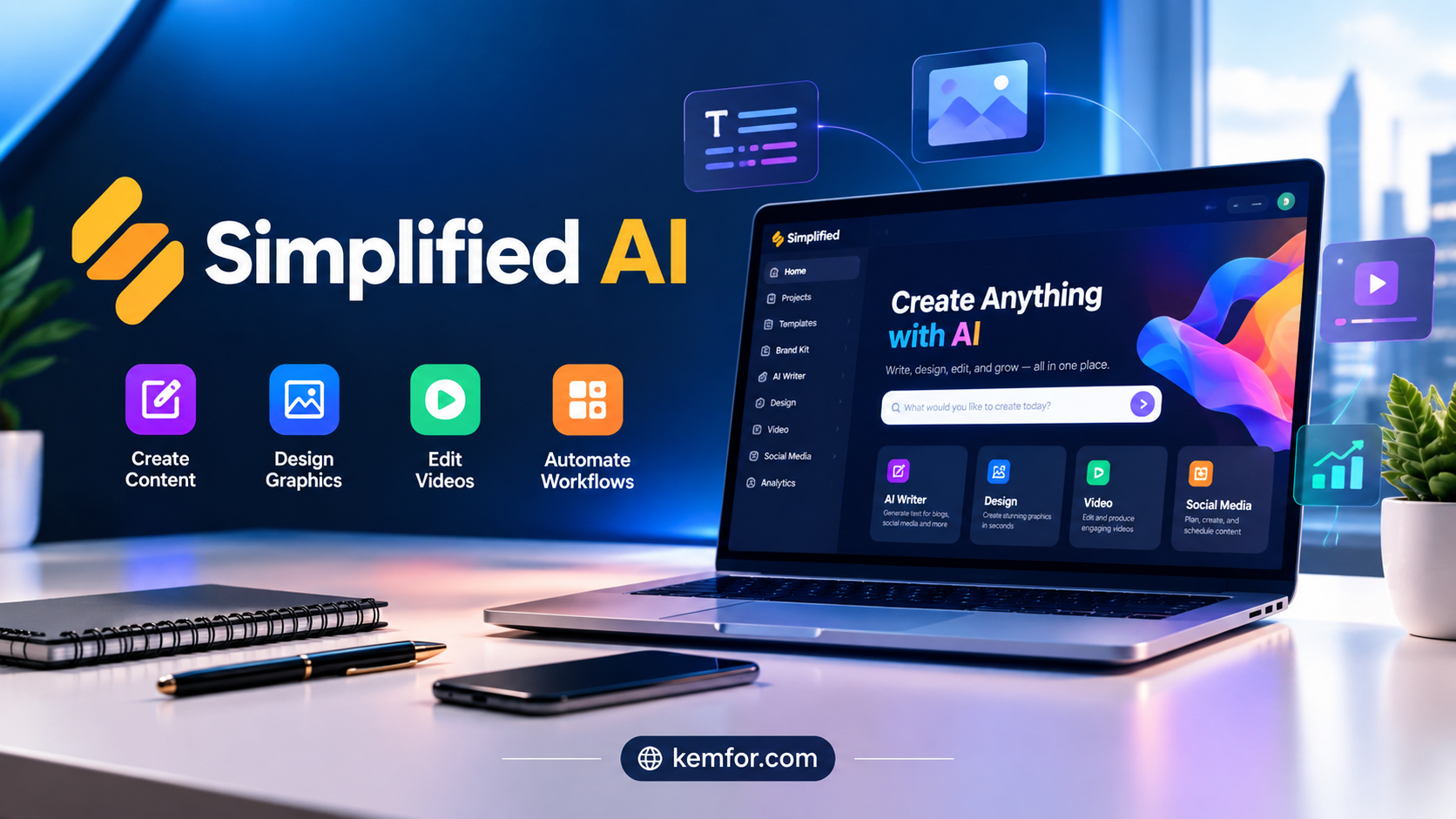
Creating content today usually means juggling a pile of different apps. You write a blog post in one tool, design a graphic in another, cut a short video in a third, and then hop into a fourth app just to schedule everything across social media. It adds up fast, both in cost and in mental energy.
Simplified AI was built to solve exactly that problem. Instead of forcing you to switch between five or six separate subscriptions, it brings writing, design, video editing, and social media management into one workspace. Whether you’re a solo creator, a small business owner, or part of a marketing team, this guide walks you through what Simplified AI actually does, how it works, and whether it deserves a spot in your toolkit.
What Is Simplified AI?
Simplified AI is an all-in-one content creation platform that combines AI-powered writing, graphic design, video editing, and social media scheduling into a single dashboard. Rather than being just another chatbot or a single-purpose design tool, it positions itself as a full marketing workspace where a small business or a one-person brand can handle nearly every content task without leaving the app.
At its core, the platform is aimed at people who want professional-looking output without needing years of design or copywriting experience. You don’t need to know how to use layers in a design program or understand video editing timelines. The AI handles the technical heavy lifting, while you guide the direction.
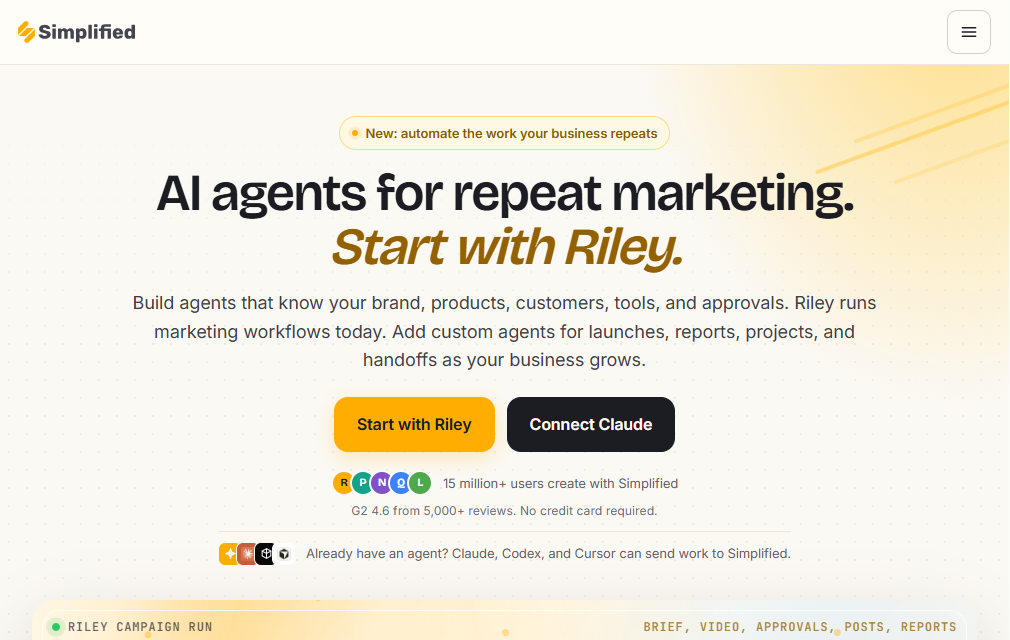
Who Is Simplified AI For?
This tool tends to work best for:
- Small business owners who need marketing materials but don’t have a design or content team
- Freelancers and solo creators juggling multiple client accounts and content types
- Social media managers who need to plan, design, and publish posts quickly
- Marketing teams looking to cut down on the number of separate apps they pay for
- Agencies managing content and branding for several clients at once
If you only need one specific thing — say, just a writing assistant, or just a video editor — a specialized tool might serve you better. But if your work spans multiple content formats, the combined approach starts to make a lot of sense.
Key Features of Simplified AI
AI Writing Assistant
The writing tool inside Simplified AI can generate blog posts, ad copy, product descriptions, email content, and social media captions. It uses a library of writing templates designed around common marketing tasks, so instead of staring at a blank page, you pick a template, add a few details about your topic or brand, and get a working draft in seconds.
This doesn’t mean the output is ready to publish as-is. Like any AI writing tool, it works best as a first draft generator. You’ll still want to review the text, add your own voice, and fact-check anything specific before it goes live.
AI-Powered Graphic Design
The design studio gives you access to a large library of templates for social posts, presentations, ads, and marketing graphics. You can resize a single design automatically for different platforms — Instagram, Facebook, LinkedIn — without rebuilding it from scratch each time.
For anyone who isn’t a trained designer, this is arguably the most useful part of the platform. It removes the guesswork around layout, spacing, and color choices, while still leaving room for customization.
Video Editing and Creation
Simplified AI includes a video editor built for short-form and social-first content. You can generate video clips from a script or text prompt, add automatic subtitles, apply text-to-speech voiceovers, and use ready-made animation and transition options.
It’s not designed to compete with professional video editing software for long-form or cinematic projects. Instead, it’s built for speed: quick promotional clips, social reels, and simple explainer videos that need to go out fast.
Social Media Scheduling and Management
Once your content is created, the platform lets you draft, approve, and schedule posts across multiple social channels from one calendar view. Teams can collaborate on approvals before anything goes live, which helps avoid the back-and-forth of sending drafts over email or chat.
Built-in analytics also give a general sense of how posts are performing, so you’re not switching to yet another app just to check engagement numbers.
Brand Management Tools
For anyone managing content across multiple team members or clients, brand consistency can be a real headache. Simplified AI addresses this with a brand kit feature that stores your colors, fonts, logos, and tone of voice. Once set up, these brand elements can be applied automatically to new designs and written content, so everything stays visually and tonally consistent.
Team Collaboration
The platform supports shared workspaces where team members and guests can comment, leave feedback, and get notified about updates. This is particularly useful for agencies or marketing teams that need multiple people reviewing content before publication.
How Simplified AI Compares to Using Separate Tools
A common workflow without an all-in-one platform might look like this: write in a document tool, design in Canva, edit video in a separate editor, and schedule posts through a dedicated social media tool. Each of these does its individual job well, but switching between them costs time, and each one adds its own monthly cost.
Simplified AI’s main appeal is consolidation. You’re trading some of the deeper, specialized functionality that a dedicated tool might offer for the convenience of having everything under one roof. For a solo creator or small team, that trade-off often makes sense. For a large enterprise with dedicated designers, writers, and video editors on staff, individual best-in-class tools may still win out.
Pricing Overview
Simplified AI offers a free tier that includes a reasonable amount of storage and access to most core features, including basic AI writing and design tools. This makes it easy to test the platform before committing to a paid plan.
Paid plans build on this by adding higher usage limits, more advanced automation features, and access to brand kits for teams that need consistent branding across multiple users. Pricing scales based on the number of users, storage needs, and how much AI-generated content you plan to produce each month.
Because pricing structures change periodically, it’s worth checking the official Simplified website for the most current plan details before subscribing.
Pros and Cons of Simplified AI
What Works Well
- Combines writing, design, video, and scheduling in one place, cutting down on tool switching
- Beginner-friendly interface that doesn’t require design or editing experience
- Large template library speeds up content creation
- Brand kit keeps output consistent across a team
- Free tier is generous enough to actually evaluate the platform
Where It Falls Short
- Some templates have limited customization compared to dedicated design software
- Video editing is better suited to short-form content than complex productions
- More advanced automation and workflow features are often locked behind paid plans
- AI-generated writing still needs human editing before publishing
Tips for Getting the Most Out of Simplified AI
- Start with your brand kit. Setting up your colors, fonts, and logo early saves time on every design you create afterward.
- Treat AI writing as a first draft. Use it to beat writer’s block, then edit for your own voice and accuracy.
- Batch your content. Since writing, design, and scheduling live in one place, it’s efficient to plan a week or month of content in a single session.
- Use templates as a starting point, not a final answer. Small tweaks to layout or wording can make generated content feel more original.
- Check analytics regularly. The built-in performance data can help you understand which formats and topics are actually connecting with your audience.
Is Simplified AI Worth It?
If your work involves creating content across multiple formats — writing, visuals, video, and social posting — Simplified AI is worth trying, especially given its free tier. It won’t fully replace specialized tools for teams with deep design or video production needs, but for solo creators, small businesses, and lean marketing teams, the time saved by not switching between apps is a genuine advantage.
The best way to know if it fits your workflow is to test the free plan with a real project. Create a piece of content from start to finish — write it, design a graphic for it, and schedule a post — and see how much of your usual process it actually replaces.
Frequently Asked Questions
Is Simplified AI free to use? Yes, there’s a free plan that includes storage and access to most core features, making it possible to try the platform before upgrading.
Can Simplified AI write an entire blog post for me? It can generate a full draft based on your topic and instructions, but reviewing and editing the output is still recommended for accuracy and tone.
Does Simplified AI work for social media management? Yes, it includes scheduling and publishing tools for platforms like Instagram, Facebook, and LinkedIn, along with basic performance analytics.
Is Simplified AI suitable for teams? Yes, it supports shared workspaces, comments, and brand kits, which makes collaboration easier for agencies and marketing teams.